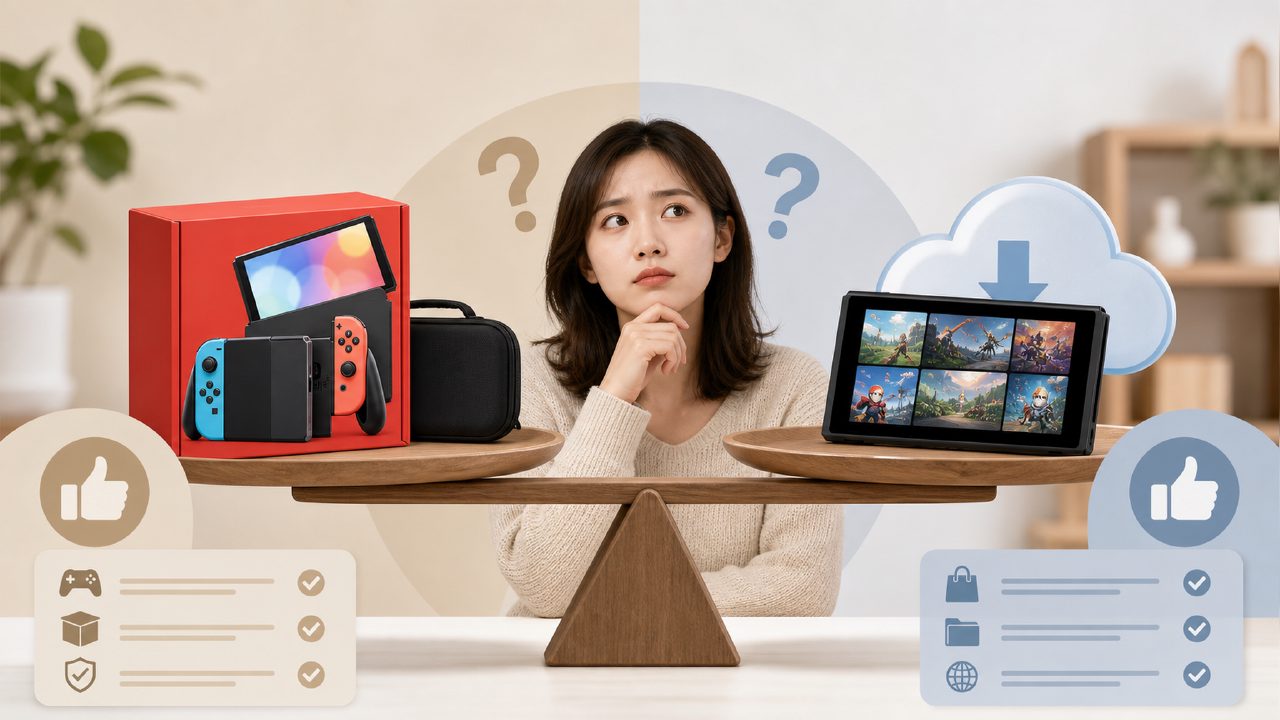
Is buying a Switch bundle really a good deal or a trap? Many new players have asked this question. Seeing 'console + game + accessories' all packed in one box, you feel like you've saved money and effort. But after opening the package, some find the bundled game uninteresting, some think the extra controller feels mediocre, and some even buy the wrong version due to confusion. Today, let's directly discuss a few Bundle scenarios that are most worth paying attention to and most prone to pitfalls, so think carefully before you make a move.
1. Console + Game + Dock Bundle
This is probably the most common type. Nintendo occasionally releases special editions of OLED models bundled with a popular game, such as Mario or Zelda themed bundles. There are two advantages: first, you get the console, Dock, and dock accessories all at once, no need to worry about 'should I buy an extra Dock'; second, the game itself comes as a digital download code, saving you from inserting a cartridge. But there's a catch—some third-party sellers call a 'console + physical game card' a bundle, and the price may be worse than buying separately. It's recommended that you first check on Game Encyclopedia whether that game is worth the price you're paying, and don't bring home a game you don't like just because it 'looks cheap.' Also, when connecting to a 4K monitor, remember that the Dock itself does not support upscaling, so don't set your expectations too high.
2. eShop Digital Game Bundle
eShop often has bundles where several games are sold as a pack, especially indie game collections. For example, some well-rated action games or puzzle games sell for $20 each, but three together cost $35, saving you 25%. But this depends on your situation: if you were already planning to buy two of them, then the bundle is worth it; if you only want one of the games, then the bundle is a waste. You can first go to Indie Game Recommendations to filter for games with good reputations that you haven't played, and see if any are in the same bundle as the game you want. Another issue is regional price differences. eShop bundles in some countries are much cheaper than in the US region, and you can save even more by switching regions, provided you have balance in that region.
3. Two-Player Bundle: Game + Controller
Suitable for couples or roommates playing together. Some third-party controller brands offer 'two controllers + game code' sets, such as party games or co-op games that support local multiplayer. There's a practical issue with this type of bundle: the included controllers are likely entry-level, without HD rumble, and without the stable wireless connection of an original Pro controller. If you just want to casually have fun with friends on weekends, it's fine; but if you're looking to get into two-player Switch games long-term, it's recommended to buy two original Joy-Cons or Pro controllers separately—you can really feel the difference in experience. Also, many third-party bundled controllers need a wired connection to be recognized, so check if it says 'Wireless' on the back of the box.
4. Accessory Bundle: Includes Dock, Case, Screen Protector
This is more common from unofficial sellers on e-commerce platforms, bundling a console case, charging dock, screen protector, and even some small carrying pouches together. It sounds like everything is included, but you actually need to distinguish which are essential and which are filler. For example, the included dock might not have ventilation holes, causing it to heat up when used for long periods; the screen protector might be one with serious glare. What's truly worth paying for is: a case + carrying pouch + original charger (many bundles don't include an original charger, just a third-party power adapter). Under the Game Rankings, you can also see many player feedback on which accessories are prone to problems—it's helpful to pay attention.
5. Assessing Suitability: Should You Buy or Not?
What is your current situation?
- First console, not sure about anything: The safest bet is to buy the official console bundle (the one with a digital game code), and buy accessories separately later. Don't be tempted by 'two free controllers'—you might end up with incompatible ones.
- Already have a console, only need games: eShop digital bundles are worth checking out, but compare the individual prices before buying each time. You can go to Nintendo Game Recommendations to check the ratings of that series, to avoid buying several duds at once.
- Want to upgrade accessories: For example, if you need a more stable Dock or a better controller, it's more flexible to just wait for a sale on a single Dock or Pro controller, without having to bundle with a game.
- Gifts for friends / sharing with roommates: Buying a Bundle for a newbie friend is convenient, but if you're picking it out for someone via Switch Game Recommendations, don't forget to ask clearly whether they want handheld or TV mode—some bundles don't include an extra charging dock, making it a bit troublesome to connect to a TV.
Finally, a practical conclusion: Bundles usually offer a small price discount, but you have to weigh the savings against the waste of buying things you don't need. It's recommended to first open Game Encyclopedia to determine what you want to play, then look for a corresponding Bundle to purchase—don't be led by the phrase 'all-in-one'.
Comments
Leave a Comment