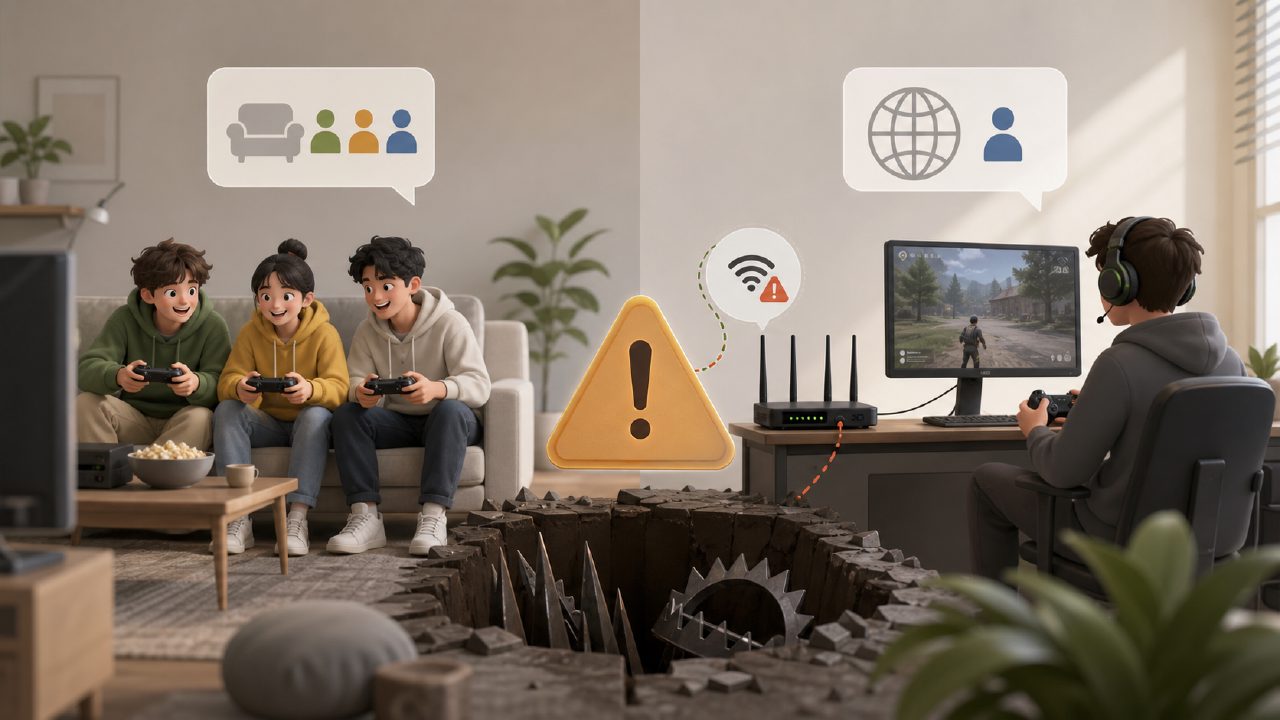
Bought a bunch of multiplayer games, only to find out they're unplayable when friends come over? Or online multiplayer lags like a slideshow, turning your Switch into a brick? That's all too common. This pitfall guide today doesn't talk about vague recommendations—it directly focuses on the most common traps you fall into when buying multiplayer games. Read this to avoid wasting money and max out your gaming experience.
Pitfall #1: Not Knowing Whether It's "Local Co-op" or "Online"
This is the most basic trap, but also the one most people fall into. Many see a game labeled "multiplayer" and buy it, only to find out that "multiplayer" means each person needs their own Switch, their own game card, and a Nintendo Switch Online membership to play online. Friends come over and want to play face-to-face? Sorry, not supported. For example, Fortnite and Splatoon 3—you might think you can split the Joy-Con and play together, but that's not how it works.
How to avoid it? Before buying, check the "Number of Players" and "Play Modes" listed on the eShop or the back of the game case. If it says "1-2 players" plus "Online Battle," that basically means one console per person. For parties, look for labels like "Local Multiplayer" or "1-4 players." If you want the joy of handing a friend a controller and playing right away, I recommend checking out our Switch Game Recommendations list—it has categories clearly marked with the number of local players.
Pitfall #2: Online Experience Ruined by Network Issues, Mistaken for Game Problems
Many players complain about poor online experiences on Switch games like Super Smash Bros. Ultimate or Splatoon 3—high latency, frequent disconnections. Their first thought is that the game is bad, but it's actually the network environment that's not set up properly. The Nintendo Switch's wireless card is relatively weak. If your router is far away or you're still using the 2.4GHz band, online play is basically a gamble. It's not the game's fault.
Here's a realistic observation: Don't dismiss a game because of laggy online play before you've sorted out your network configuration. I've seen people quit Monster Hunter Rise due to poor online performance, only to regret it after getting a network accelerator. If online stability matters to you, check player feedback in the community or refer to our Game Rankings, which often include real discussions about online latency.
Pitfall #3: Buying a Big Title, Only to Find Your Friends Can't Get Into It
This is a trap that's often overlooked: You buy a hardcore, core-focused game you've been dying to play, thinking "playing together will be fun." But in reality, your friend might be a casual gamer or someone who rarely touches games. You pull them into The Legend of Zelda: Tears of the Kingdom? Sorry, that game doesn't even have a multiplayer mode. You hand them Diablo 3? The complicated menus will scare them off. Many times, what you think is "sharing joy" is just your friend thinking, "Where am I? Who's hitting me?"
The core idea for avoiding this trap is: First, figure out who you're playing with. If you're unsure of their taste, go for party games with zero learning curve, like Mario Kart 8 Deluxe, Snipperclips Plus, or Overcooked! All You Can Eat. These are regulars in the Nintendo Game Recommendations and are often listed as top Two-Player Switch Games because they're easy to pick up and addictive.
I especially recommend lightweight gems from Indie Game Recommendations—they're affordable, have charming styles, and you can tell after one round if the other person is on the same wavelength. That's a much lower trial cost than dropping $60 on a AAA title.
Pitfall #4: Buying a Digital Copy from the Wrong Region—DLC and Base Game Don't Match
Switch players often buy games from different regions to save money, which is fine in itself. But with multiplayer games involving DLC or server region locks, it gets messy. For example, you buy Mario Kart 8 from the Japanese eShop and then buy the DLC pass from the US eShop, only to find it's region-locked and won't install. Or your account is on the US region and your friend's is on the Japanese region, and the same game you both bought can't connect due to different regional versions.
My personal advice: If you're mainly playing multiplayer, unify the region version with your friends, or buy the version that supports all regions and Chinese language. Before purchasing, be sure to check our Game Encyclopedia for version info, language support, and DLC compatibility. The carpool and shared subscription services in the Xingba community often have veteran players sharing cross-region buying tips—one glance can save you a lot of trouble later.
Summary: Before Buying a Multiplayer Game, Ask Yourself Three Questions
1. Who are you playing with? Is it local co-op for parties or remote online play?
2. Is your network (or your friend's) ready? Do you need a network accelerator?
3. Are the server region and version unified? Did you buy the right DLC?
Once you've thought through these three questions, you'll likely avoid major pitfalls when buying games. The essence of multiplayer games is to lower the barrier to fun, not to increase technical friction between you and your friends. If you're unsure which game to buy, start by browsing real experience posts in the Xingba community, or check out the hands-on feedback on Nintendo Game Recommendations—many pitfalls have already been stepped in for you.
Comments
Leave a Comment