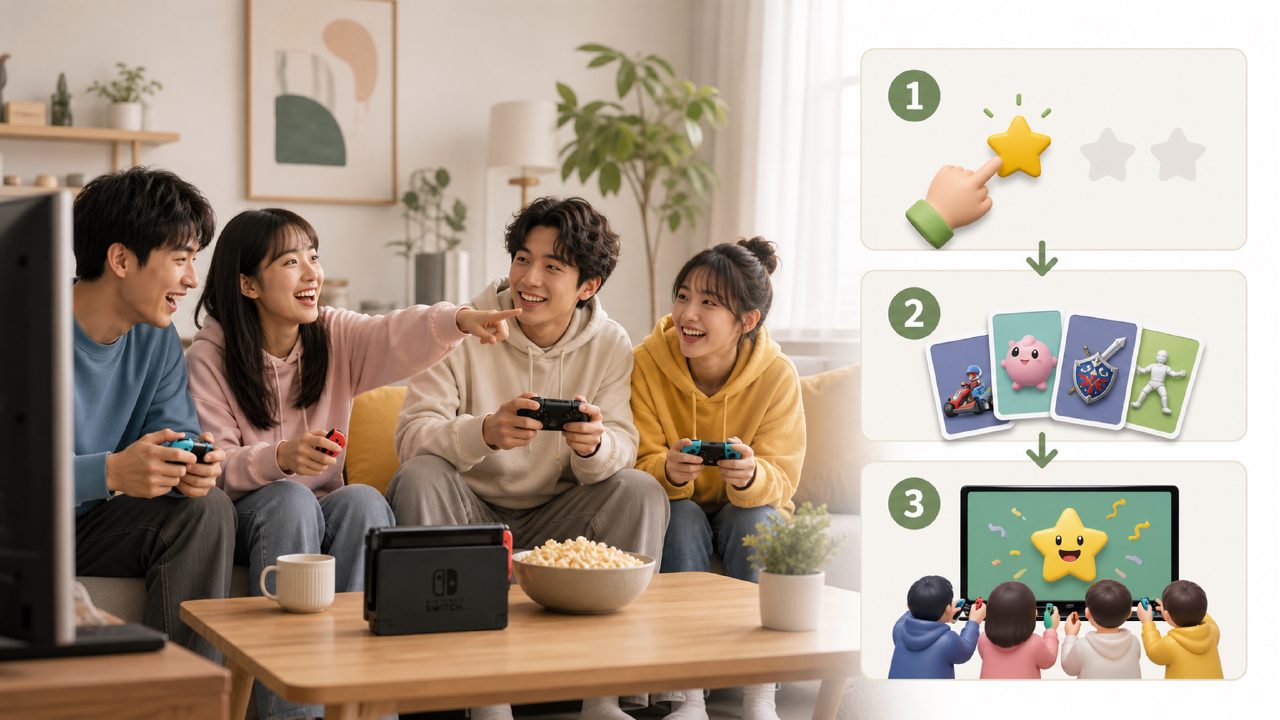
On weekends, a friend comes over, the Switch is docked, the controllers are charged, and the two of you sit on the sofa staring at the screen for ten minutes—neither can pick a game that both want to play.
I've done this more than once. Every time it ends up either firing up another round of Mario Kart 8 or just giving up and switching to watch videos. It's not that the game library is empty—it's that there are too many choices, and that makes it harder to decide. Then I discovered Xingba, and finally found a smooth way to pick games. Let me walk through the whole process, from start to actually playing.
Step 1: Don't browse the store first—browse the 'Game Guide'
When your friend arrives, you can't check reviews one by one on the spot. Open Xingba and go straight to the Game Guide. It's not just a list—it's categorized by genre, number of players, and difficulty. My needs that day were simple: two players, one male and one female, one experienced gamer and one who barely plays.
Filter by '2-player same-screen' and 'light difficulty' in the Game Guide, and the results quickly eliminate almost all games that require complex controls. One thing to note: if you blindly choose Splatoon 3, the non-gamer friend will probably be discouraged within the first five minutes. The guide step is a huge help—it essentially removes most of the unsuitable options for you in advance.
Step 2: Check the 'Game Rankings' to avoid pitfalls
After the guide filtered out candidates, there were still six or seven left. Next, narrow it down by reputation. The Game Rankings feature, for me, is much more efficient than reading reviews. Everyone's taste in reviews varies greatly, but the rankings represent the real experience of most players.
Right then, I searched for those few games in the rankings. One indie game had a high score, but someone in the comments said 'the levels are quite repetitive'—that wasn't a problem for me, but my friend might get bored quickly. So I eliminated it. In the end, Overcooked! 2 and Stardew Valley remained.
At this point, the question arises: the ranking score only tells you 'is it good or not?', not 'is it right for you two?'. That's where Step 3 comes in.
Step 3: Use the 'Switch Game Recommendations' list to make the final call
Relying on rankings alone isn't enough—I needed someone to help me understand the games in real scenarios. Xingba's Switch Game Recommendations list writes practical things like 'suits what kind of personality', 'whether one person might have to compromise', or 'risk of causing arguments'.
For example, under the category Two-Player Switch Games, the recommendation for Overcooked! 2 says 'requires cooperation but can lead to disagreements', while Stardew Valley says 'relaxed pacing, no one has to wait for anyone'. Considering my friend barely played games that day, I chose Stardew Valley—no rush, no need to practice controls, both can play at their own pace.
If you're looking for less mainstream but high-quality games, check out the Indie Game Recommendations. Xingba doesn't half‑ass this section—it doesn't just throw in a few best‑sellers, but actually picks distinctive indie titles.
Common pitfalls in actual use
Using this process, you'll encounter two real issues. First, the Game Guide has dense information, which can be overwhelming at a glance. I suggest you first think about where you're stuck: is it 'not knowing what to play' or 'knowing a game's name but wanting to see reviews'? Different entry points lead to completely different efficiencies.
Second, the rankings can sometimes be misleading. Games with scores above 9.5 are generally masterpieces, but masterpieces aren't necessarily right for your current situation. No matter how great The Legend of Zelda is, two people can't sit down and play it together. So the Nintendo Game Recommendations section should be combined with the guide's filters—looking only at scores can lead you astray.
Final step: Buy and play right away
Xingba lets you buy digital games at prices much lower than the eShop. That day, after ordering on Xingba, I received a redemption code within minutes, redeemed it, and launched the game immediately. From the moment my friend walked in to both of us sitting on the sofa starting to farm, it took about fifteen minutes—including the time for hesitation and deliberation.
If I hadn't gone through this process that day, I'd probably have been scrolling through the game library again, eventually giving up. Xingba connects the Game Guide, Game Rankings, and Switch Game Recommendations into one seamless loop—you don't need to leave this ecosystem to finish selecting a game. Next time you face the same situation, try following these steps. At least you won't be staring blankly at the screen anymore. It's that simple.
Comments
Leave a Comment