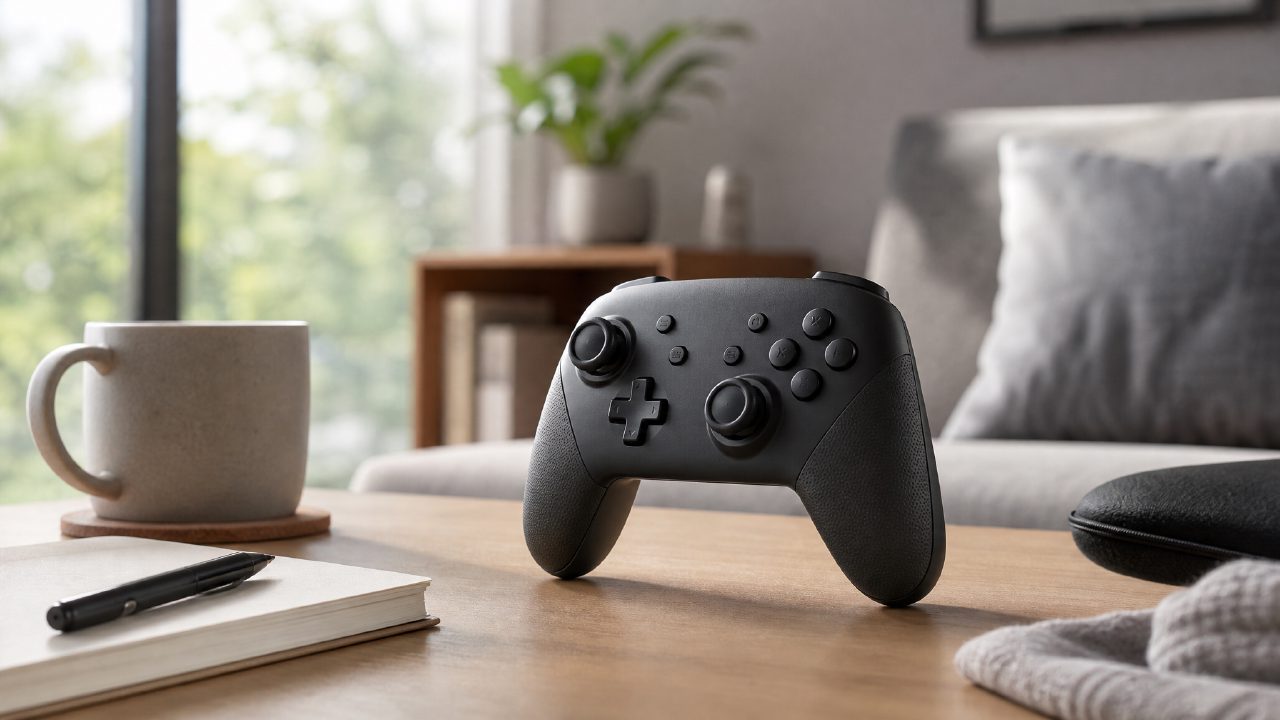
If you often play Switch connected to the TV, you've likely experienced this moment: holding two detached Joy-Con in your hands, trying to use that flimsy little grip to combine them. Playing The Legend of Zelda is fine, but switch to Splatoon 3 or Hollow Knight, and the feel is basically torture.
To be honest, the Pro Controller isn't cheap – spending over 300 yuan on a controller, no one wants to be a fool. But whether it's worth buying, I plan to demonstrate with the most practical scenario – weekend home, the "couch comfort zone" of a multi-platform gamer.
Weekend afternoon: Super Smash Bros. Ultimate
Scenario: Friday night, you invite a friend over. Two people, one Switch. The TV is already connected, there are plenty of two-player Switch games in the library, but you end up choosing Super Smash Bros. Ultimate.
At this point, if you have two pairs of Joy-Con, it's fine, but the problem is you only have one pair. So each person only gets one controller. The small joystick and small buttons – after an intense match, your fingers basically cramp up. Worse, the Joy-Con's joystick return is too soft, making it easy to accidentally trigger moves during special attacks.
Switching to the Pro Controller brings a very noticeable change: the Pro Controller's joystick travel is significantly longer than the Joy-Con's, with crisp return, and the precision of directional inputs is visibly improved. Especially for moves like using Link's side-B to recover, you won't mess up and fall due to joystick drift or sluggish return.
After playing one round, my friend's first words were: "Your controller feels much better." – I didn't coach him to say that; it's a real difference in feel.
Experience connecting to PC for Hades
The Pro Controller's use cases aren't limited to the Switch. Connecting it to a PC via USB-C or Bluetooth is almost plug-and-play, though on Steam you might need to manually check "Nintendo layout" for it to work properly.
I tried using it for Hades. This game has special demands on the controller – it requires high-frequency dashes and attacks. The Joy-Con's short key travel amplifies fatigue in this type of action game. The Pro Controller's button feedback is slightly softer but with good confirmation; after a few runs, your index finger won't feel that soreness from being pressed.
Of course, it's not perfect. The Pro Controller lacks trigger depth; playing racing games like Mario Kart 8 Deluxe, the feedback for acceleration and braking is essentially no different from the Joy-Con. If you're buying it mainly for racing or shooting games, your expectations might be let down. For real shooter controllers, you still need to look at Xbox or PS5 options.
Several details worth noting when choosing
Not to be a downer, but the Pro Controller also has a few flaws – think it over before buying:
First, the D-pad. Although the overall build quality is good, the D-pad occasionally registers false inputs in games like Tetris 99 or Puyo Puyo that require frequent precise directional presses. It's not a defect; it's a structural issue leading to accidental triggers. If you're a retro game enthusiast or fighting game player, this might be a nuisance.
Second, its weight. The Pro Controller feels more solid in hand than the Joy-Con, but it's nearly 30 grams lighter than an Xbox controller. Players who prefer a heavier feel might think it's a bit "plasticky." But this is subjective; women or those with smaller hands might find the weight just right.
Third, connection management. If your Switch is usually in the dock, the Pro Controller can wake it up directly via the home button – very convenient. But if you frequently take the Switch on the go, re-pairing each time can be a bit tedious. I often forget I paired it with my computer before, only to find it connecting to my desktop when I take it out of the bag, and I have to disconnect and redo it.
If you're still using Joy-Con or a cheap third-party controller, upgrading to the Pro Controller is a significant improvement. But if you already have a compatible Xbox controller and mainly play Switch games via emulators on PC, buying an extra Pro Controller might not add much value.
As for Switch game recommendations and Nintendo game recommendations, in the end, a comfortable controller makes you more willing to try good games that require precise inputs, and easier to see them through to the end. After all, no one wants to shelve Metroid Dread into the indie game recommendations list because of hand fatigue.
Accessories are not a mystery – it's every button press's feedback that pays for your judgment. If you want to know whether a game you like is better played with a controller or Joy-Con, just go directly to game rankings or game encyclopedias to filter by difficulty and control tags – faster than guessing blindly.
Comments
Leave a Comment