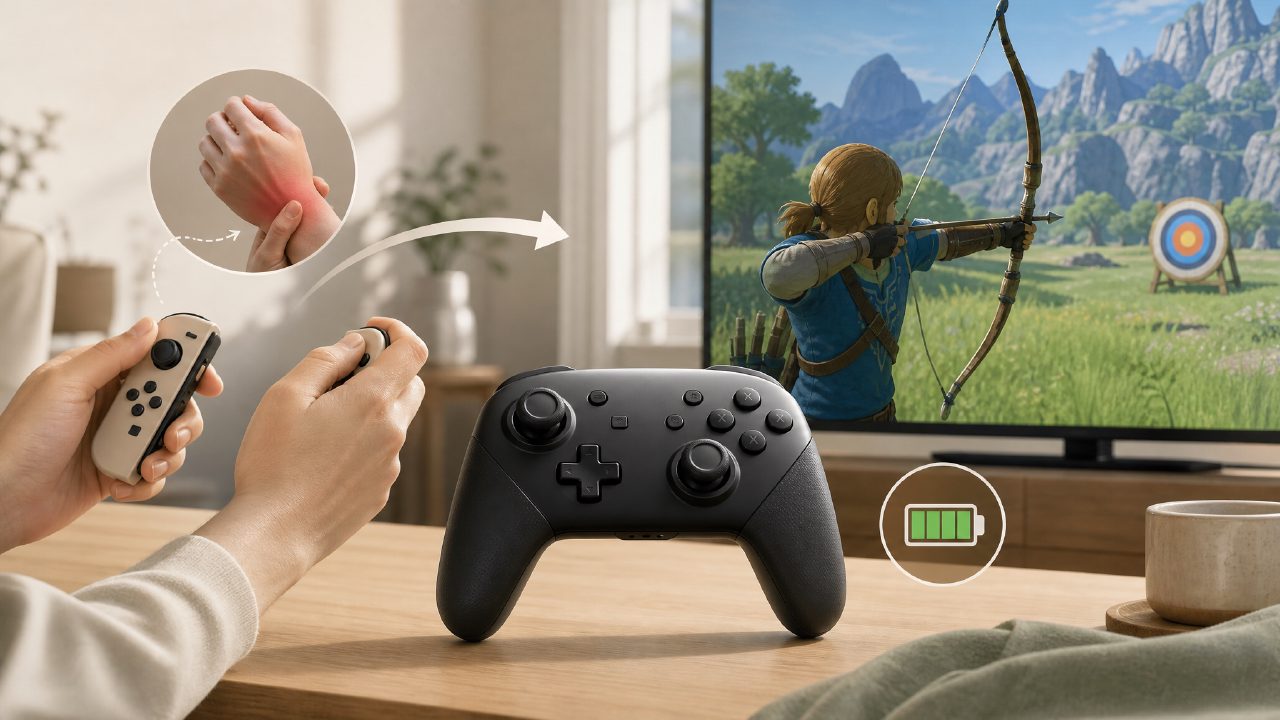
At the end of last year, I fully switched to using the Pro Controller for The Legend of Zelda. The reason was simple: when using the Joy-Con in handheld mode for long periods, my right thumb always had to reach for those tiny ABXY buttons, and after a while, my knuckles would get stiff. At the time, I browsed through the Switch game recommendations section on Xingba and found that many people had already been using the Pro Controller for action games, so I decided to give it a try.
Real-world use: Switching from Joy-Con to Pro Controller
I tested it with Breath of the Wild. When holding the Joy-Con separately, you have one in each hand. Swinging a sword, shooting arrows, and switching weapons require frequent thumb movements, but each small controller is floating in the air without a stable pivot point. After switching to the Pro Controller, the most immediate change is that both hands have a solid grip. My right thumb naturally rests on ABXY, my left thumb on the joystick, and the shoulder buttons are right under my index fingers. I can perform a series of combat operations without almost any need to adjust my grip.
To give a specific example: when aiming a bow and arrow, the Pro Controller's joystick has more resistance than the Joy-Con's. It requires more force to push but offers better control, making it harder to overshoot while fine-tuning the aim. This difference is even more noticeable in Splatoon 3. The Pro Controller helps you keep your shot spread tighter, while the Joy-Con's lighter joystick tends to wobble when aiming.
If your preferred game genres are action or shooting, many of the major titles in Nintendo game recommendations lists are actually better suited for the Pro Controller. I tried Xenoblade Chronicles 3 and Metroid Dread, where the latter especially relies on precise jumping. The Pro Controller's D-pad is much clearer in directional input than the Joy-Con's separated buttons.
Battery life and button feel — real-world testing matters
The Pro Controller has an official rated battery life of 40 hours. I play two to three hours a day, so I recharge it roughly every two weeks. The Joy-Con lasts about 20 hours, and since you often have to detach it to charge the console, its mini USB-C port is on the side, making it less convenient to plug in and out compared to the Pro Controller's front-facing port.
In terms of button feel, the Pro Controller's ABXY buttons have deeper travel and a crisper rebound. The Joy-Con's buttons are stiffer and produce a louder click sound when pressed; the Pro Controller's are more muted and softer, so your fingers don't tire after long presses. The D-pad is another advantage of the Pro Controller. When playing Tetris Effect or Celeste, directional inputs are smoother, whereas the Joy-Con's D-pad is a single recessed piece, making it prone to accidental up/down presses.
However, there is one thing to note: the Pro Controller's grips are thicker than most third-party controllers. Players with smaller hands may find it a bit stretched. I have average-sized male hands, and after long sessions, my ring and pinky fingers actually get a little sore, probably because the curvature of the grips isn't friendly to smaller palms.
The Pro Controller can be awkward in two-player scenarios
This is something I discovered later. When I play two-player Switch games with my girlfriend, like Overcooked 2 or Mario Kart 8, she uses the Pro Controller and I use the Joy-Con. The problem is that in two-player mode, only one Pro Controller is available; the other person has to use a single Joy-Con, and the difference in feel is stark. The Pro Controller is far superior in grip and button feedback, so the experience is uneven, and over time this can lead to complaints.
In comparison, if you mainly play single-player games, the Pro Controller is worth the investment. While the Joy-Con is flexible, its detachable design sacrifices grip stability and button feel. At least after switching, when I played Dark Souls Remastered or Hollow Knight — games that require continuous precise control from the indie game recommendations list — my error rate did drop.
Should you switch? Consider these trade-offs first
The Pro Controller has clear advantages: solid grip, long battery life, good button feel. But there are also several limitations:
- Not cheap. The official price is 469 yuan, which is about twice the cost of a discounted third-party controller. If you only occasionally play Animal Crossing or Pokémon, the Joy-Con is perfectly adequate.
- Bulky size. My hands aren't small, but the Pro Controller's grips are actually longer than those of an Xbox controller, making it less suitable for carrying around. I tried to fit it into a Switch carrying case, and it bulges out.
- No motion control separation. Some games like Ring Fit Adventure, Just Dance, or certain motion control games recommended in game catalogs are completely unusable with the Pro Controller; you have to rely on the Joy-Con.
- Only one configuration per account. If you share the Pro Controller with a friend, each time you switch accounts you have to remap the buttons, which is quite annoying.
At the time, I decided to place the order after checking the game rankings on Xingba. Those high-scoring action games on the list are indeed more enjoyable with the Pro Controller than with the Joy-Con. But if you are a casual player who mainly plays party games or motion-controlled titles, switching to the Pro Controller may not significantly improve your experience, and it might just end up sitting idle.
Comments
Leave a Comment