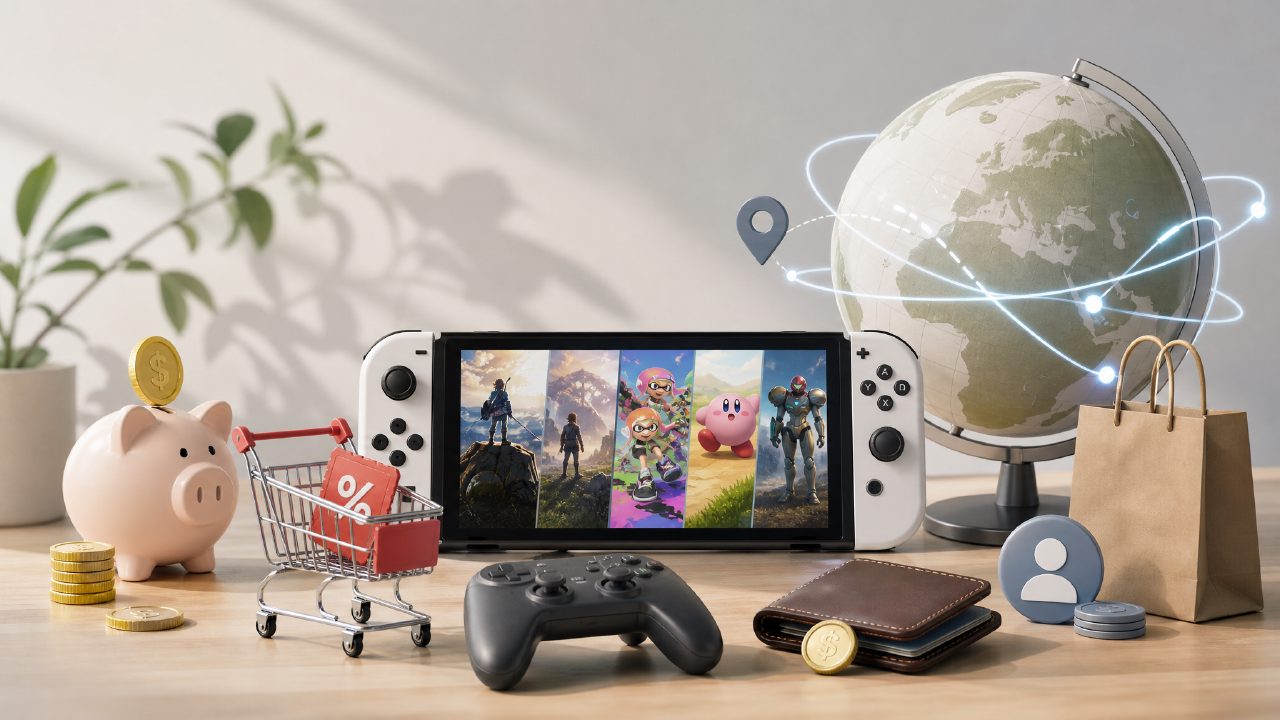
Last weekend, a friend came over to play, and I dug out the physical game card for Overcooked, only to find it missing. After searching through every drawer, I could only awkwardly say, "How about... we grab a meal first?"
After that, I finally realized: for those who frequently switch games or like to jump into a game anytime, digital downloads are the way to go. But how to buy, how to download, and how not to waste money—there are many tricks. Today, let's walk through a real scenario: you want to play a two-player game with a friend but don't want to buy used cartridges. How do you get it done in one go?
Step 1: Determine the Game You Want
Don't rush to open the eShop and browse blindly. Digital games are different from physical cartridges—if you buy the wrong one, you can't return it. First, think clearly: do you want a party-style two-player Switch game (like Mario Party or Overcooked), or an action game that two people can cooperate to clear (like Kirby)?
My advice: check player reviews in game databases, don't just watch trailers. Many game videos look exciting, but the actual gameplay feels weird, or the two-player cooperation experience is terrible. If you're unsure, first look at Nintendo's game recommendation lists to gauge the game's reputation. Also, indie game recommendations are worth a glance—many small games of a few hundred MB offer a better two-player experience than AAA titles.
Step 2: Nintendo Game Vouchers vs. Direct Purchase
If you are sure you want to buy a first-party AAA title (like Zelda, Mario, etc.), and you plan to buy another one soon, then Nintendo Game Vouchers are definitely worth it. Two vouchers cost around 650, while buying two games separately would cost nearly 900. The money saved is enough to buy a small indie game.
But if you just want to play a two-player game temporarily, or you're not sure if you'll have time to finish it, then just buy the digital version directly—don't stock up on vouchers just to save money; they might expire before you use them.
Step 3: Create Accounts, Switch Regions, and Pay
This is where many people get stuck. Simply put: your Switch can have up to 8 user accounts, and each account can be linked to a Nintendo account from a different region. The eShop prices in different regions can differ by tens or even hundreds of dollars.
How to do it: log in to the Nintendo official website on your phone or computer, and change your account region to Hong Kong, Japan, or the US. Hong Kong region supports Alipay, which is the easiest; Japan requires PayPal or credit card; US can use gift cards. After changing, log in to the eShop on your Switch with that account, and you’ll see prices in that region’s currency.
For example: a certain two-player game costs HKD 298 (about 270 RMB) in Hong Kong, USD 39.99 (about 290 RMB) in the US, and JPY 4800 (about 225 RMB) in Japan. You might spend 10 minutes switching regions and save 40-50 RMB. That's a calculation worth making.
Step 4: Download and Storage
After buying a digital version, it won't appear on the home screen immediately—you need to download it. Download time depends on your internet speed and Nintendo server status. Download speeds are often slow between 8 PM and 10 PM, so it's recommended to leave it downloading in the background before bed, and it will be ready to play when you wake up.
Here's an easily overlooked point: the Switch's internal storage is only 32GB (standard model) or 64GB (OLED model). It fills up after installing two or three big games. If you plan to go digital long-term, a 512GB microSD card is almost a necessity. Don't buy cheap off-brand ones; read speeds can't keep up, causing load times so long you'll think the console is broken.
Step 5: What If You Buy the Wrong Game or Don't Like It
The only real pain point of digital versions is that you can't resell them. With physical cartridges, you can sell them on second-hand platforms to recover costs, but not with digital. So before buying, double-check whether the game is truly suitable for you and your friend.
Solution: buy games with clear reputations and stable ratings. Check game rankings for scores and online player counts; popular games rarely disappoint. Or try demos first—most eShops offer free demos ranging from 15 minutes to an hour or two. Try a few, then pick one you really want to buy.
Limitations and Trade-offs
Digital downloads are not for everyone. If your home internet is unstable, and downloading a 3GB game might take two or three hours, then it's better to buy physical cartridges. Also, if you and your friend each have a Switch and want to play online together, you'll need to buy two copies—while physical cartridges can be swapped. Digital versions have some advantages in family sharing (primary/secondary console system), but setup is much more complicated than with physical cartridges.
In the end, there is no absolute good or bad between physical and digital. But if you value being able to play anytime, without swapping cartridges, and not worrying about losing them, then digital downloads are indeed more convenient. The only thing you need to do is take a closer look at game databases before ordering to confirm it's really what you want.
One final note: from a certain point on, almost all of my Switch game recommendations prioritize digital versions—not because digital is "advanced," but because it eliminates the annoyance of "hunting for cartridges." For playing games, eliminating those physical frictions is itself a significant boost to enjoyment.
Comments
Leave a Comment