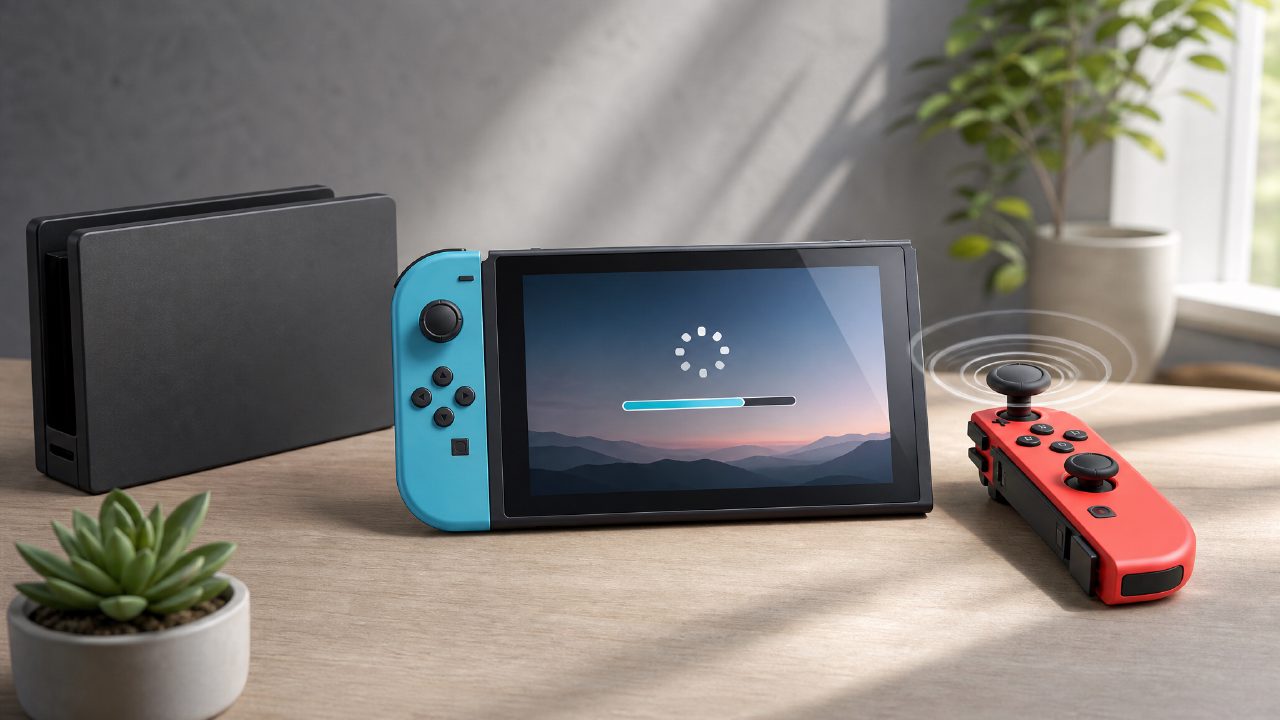
After using a Switch for a while, many players will encounter a few unavoidable issues. Whether it's Joy-Con drift, which dock to choose, or download games getting stuck — I see these questions in groups almost every day. Today I've compiled a common Q&A, speaking plainly and providing solutions.
Joy-Con drifting? Do you need to buy new ones directly?
Joy-Con drift is almost a problem that 'every Switch player will encounter'. The joystick moves on its own without touching it. When playing 'The Legend of Zelda', Link walks towards the cliff by himself; when playing 'Two-Player Switch Games', the character doesn't obey — honestly, this experience is very frustrating.
First, it's not recommended to buy brand new Joy-Cons as soon as drift appears. A more cost-effective and quicker method is: first try spraying electronic contact cleaner at the base of the joystick, then rotate it a few times. This operation can solve about half of the drift issues, because often it's just dust getting in and blocking the metal contacts. If cleaning doesn't work, you can buy a replacement joystick module (for about a dozen yuan) and replace it yourself. There are many tutorials online, and it only takes about ten minutes once you start.
If you really don't want to disassemble the console yourself, or if you're not handy, then consider sending it for repair or buying new ones. But note, third-party Joy-Cons have noticeable differences in feel compared to original ones, especially in vibration feedback and button pressure. It's recommended to prioritize official channels. If you want to know more about controller matching, you can check out 'Nintendo Game Recommendations' for those titles with high control requirements; then you'll have an idea of which controller is more suitable.
Does the Switch dock have to be original? Are third-party docks reliable?
I also struggled with this question at first. The original dock is expensive, bulky, and frankly, the design is not very thoughtful — it can easily scratch the screen. Many people want to buy a third-party portable dock, but various examples of 'dock bricking' online make people hesitant.
The actual situation is this: early versions of the Switch had very poor compatibility with third-party docks, especially those without official certification, which could burn the charging chip on the motherboard due to unstable voltage. But later, with the release of the Switch battery life version and OLED version, and the maturation of third-party manufacturers, products from mainstream brands like C-Force and liangzhi have become much more stable. I've been using a third-party dock for two years without any issues.
But there is a prerequisite: don't buy those cheap no-name brands for a dozen yuan. Big brands that are a bit more expensive, with independent power supply design and temperature control functions, are more reliable. If you often need to take your Switch to a friend's house, office, or on business trips, a lightweight third-party dock is indeed much more convenient than the original one. However, if you use it at home fixedly, I would suggest you continue using the original dock — hassle-free, and you can also pair it with pixel-style works from 'Indie Game Recommendations' for stable picture quality output without any pressure.
Digital game download too slow / not enough space, how to solve?
This is probably one of the most common annoyances for Switch players. The Switch's Wi-Fi module performance is average to begin with, and download servers in many regions are not very stable, so waiting half a day for a game download is normal.
There are two directions to improve download speed. One is to modify DNS, such as using Google's 8.8.8.8 or a public DNS in Hong Kong, which can sometimes significantly speed up. The second is to use Wi-Fi as little as possible, and directly use a wired network card — connect the dock to an Ethernet cable, and the download speed can be two to three times faster. The OLED dock's Ethernet port is easy to connect, and for older docks, you can buy a USB network adapter.
The storage space issue is more direct: the Switch's internal storage is only 32GB (old model) or 64GB (OLED), and now any large game can be ten or twenty GB, not enough. The most effective solution is to buy a large-capacity microSD card, recommended at least 256GB. 512GB is also worth considering, especially when you want to check out popular titles in 'Game Rankings', you can download them anytime to try. But note: don't buy no-name storage cards; read speed and stability vary greatly. Switch doesn't have high requirements for write speed, but slow read speed can cause long loading times.
If you often buy digital versions, you can also pay attention to some carpool rental or family membership sharing services. Xingba here provides digital game purchases and family membership sharing, which can greatly reduce the trial and error cost for each game. For games you're not sure whether to buy, it's a smart move to try them out through sharing first, then decide whether to get your own version.
Why can't I connect to Nintendo Online Services?
This question is too common. If you are using Switch to connect to the internet in China, you need to understand one thing: Nintendo's servers themselves are not particularly stable, coupled with network environment restrictions, not being able to connect doesn't mean your machine is broken.
Things you can do: restart the router, change the DNS on the Switch, or turn on your phone's mobile hotspot to see if it's a home Wi-Fi issue. If it still doesn't work, consider using an accelerator or change router settings. Some players are used to playing 'Two-Player Switch Games' online, which require high network latency and even more stable connection.
Also a reminder: if you bought a new machine, remember to update the system firmware first. An outdated system version may cause some online features to be unavailable, which many people overlook.
If you want to learn more Switch usage tips, discover more interesting 'Switch Game Recommendations' and 'Game Guide' content, you can follow Xingba community updates more. Also, there will be a new 'Game Rankings' update on the site this weekend. If interested, you can bookmark it first, see what everyone is playing, and then decide later.
Comments
Leave a Comment