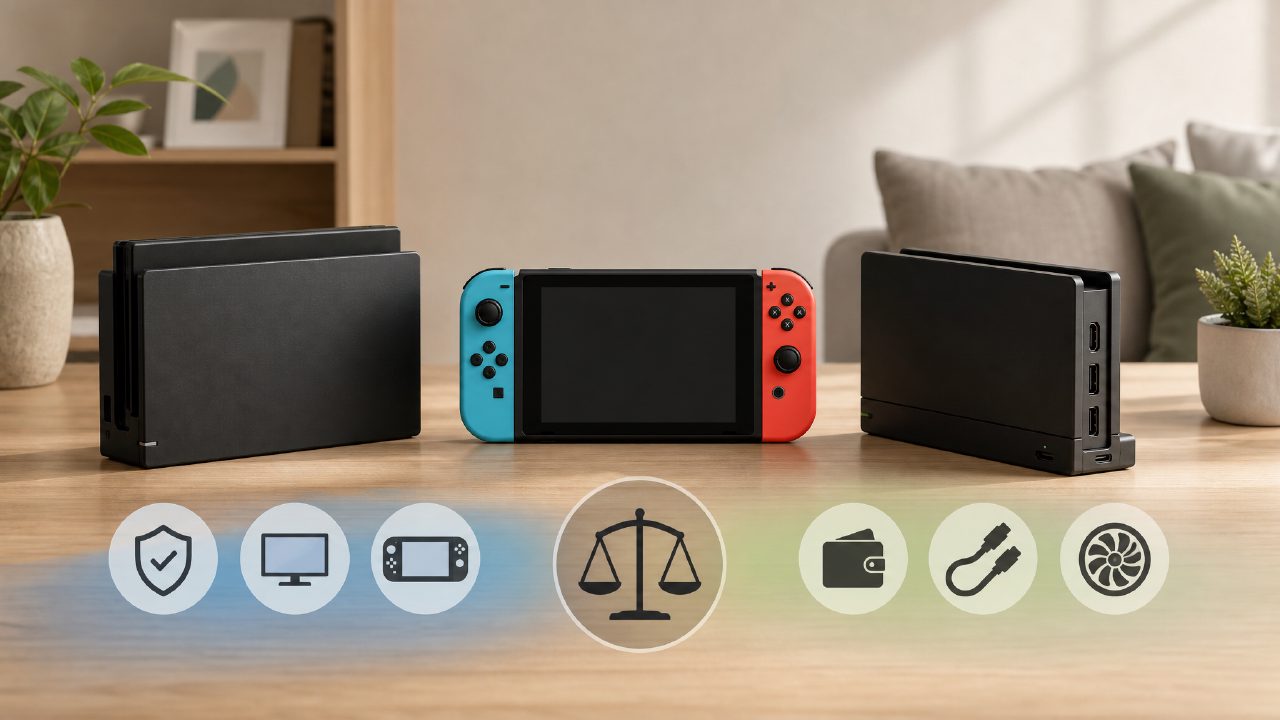
Friends who just got a Switch, nine out of ten will stare at the dock and wonder: Is this thing really necessary to buy separately? Original, third-party, with Ethernet port, portable, it's dizzying to choose.
The simple and straightforward answer is: It's not necessary, but if you want to turn a small screen into a big one, connect more peripherals, or 'lighten the load' on your console, a good dock can indeed change the experience. The key is to understand your own usage scenario. Below I'll use a few points to help you clear things up.
1. Why would you want to connect an external screen?
For most people, the primary motivation for buying a dock is the 'TV mode' itself. The Switch's 6.2-inch screen is a torture for seeing map details while playing 'Zelda'. Connected to a large screen, the field of view is wider and character actions are more intuitive, especially in action games where latency and visual continuity are completely different.
Specific scenarios:
- Two-player/multiplayer parties: Friends come over, want to play 'Mario Kart' or 'Overcooked'. Squeezing two people on a small screen is tiring for the eyes. Directly connect to the TV, the view is larger, and the sense of interaction doubles. This is when the fun of two-player Switch games is best realized.
- Playing while checking guides: Many puzzle or RPG games mentioned in indie game recommendations require checking guides or maps at any time. Using a dock to connect to a monitor, with a phone or tablet next to it, is much more efficient.
- Business trips staying in hotels: Hotel TVs usually have HDMI ports. Bring a portable dock, and you can play big titles lying in bed at night.
But one thing to note: The original dock's heat dissipation is actually average, especially in summer when playing for a long time, the back of the console gets very hot. Some third-party docks have designed ventilation holes or stand angles, making them more stable instead.
2. Original vs third-party: What are the key differences?
Many players' concern is 'fear that cheap third-party products will fry the console'. Actually, the technology is much more mature now. The main differences are in three aspects:
- Compatibility: The original dock works plug-and-play without worry. Some third-party docks have imperfect support for specific firmware versions (e.g., above 15.0), occasionally causing black screen or inability to wake up. Before buying, be sure to check buyer comments to see if they mention the firmware version you have.
- Port expansion: The original dock only provides one USB 3.0, two USB 2.0, and HDMI. If you need:
- Plug in a wireless controller receiver (e.g., 8BitDo)
- Connect a wired network card (when Wi-Fi is unstable, online play in 'Splatoon' is a poor experience)
- Charge the Pro controller simultaneously
The original dock is really insufficient. Third-party docks generally integrate USB-C port, SD card slot, Gigabit Ethernet port, and even support 4K output (although the Switch itself only outputs 1080p, but when connected to a 4K TV, the image sharpness is slightly better). - Power supply safety: The original dock uses a 39W power adapter. For third-party ones, pay special attention to wattage. Some off-brand docks have insufficient power supply; if you play high-intensity games while charging, the battery may not charge and might even drain. It's recommended to buy those marked as 'supports 15V/2.6A PD protocol'. Don't save that few dozen bucks.
Here's an observation: If you often follow the big titles on the game rankings, like 'Breath of the Wild', 'Xenoblade Chronicles', they have high requirements for image stability and frame rate. Original dock + official power supply is the safest choice. But if you mainly play pixel-style games from indie game recommendations (like 'Hades', 'Stardew Valley'), third-party docks are perfectly sufficient, and you can save money to buy discounted games from Nintendo game recommendations.
3. Accessory pairing: The dock is just the starting point
The dock itself is just a 'converter'; the actual experience also depends on the accessories you pair with it:
- HDMI cable: Don't use the short cable that comes with it (usually only 1 meter). Buy a 2-3 meter HDMI 2.0 cable for more flexible routing.
- Controllers: In dock mode, Joy-Con can easily disconnect when far away. It is recommended to have a pair of Controllers, such as the Pro controller or domestic Liangzi controller, which have much better battery life and feel.
- Stand: The original dock stands stably, but if you use a third-party portable dock, it's best to pair it with an adjustable angle stand to make it easier to plug and unplug the USB-C port and also improve heat dissipation.
Also, a piece of trivia: The dock for the Switch OLED model also supports 4K signal output (although Switch games are still 1080p), but if you might upgrade to Switch 2 (the rumored one) in the future, buying a dock that supports 4K is an early investment.
4. So which one should you buy? My criteria
Let me make the conclusion clear:
- Only used at a fixed location at home, not frequently moved: The original dock is the most worry-free. If you happen to want to experience the 3A titles from Switch game recommendations, the original dock ensures stable output.
- Frequent business trips, lunch breaks at the office, dorm use: Third-party portable docks (like C-FORCE, Anker) are small and just need a 65W charger. But remember to check compatibility after each system update.
- Multiple consoles at home, frequent parties: Buy a multifunctional dock with 4 USB ports, which can charge controllers and connect wired network at the same time, saving a lot of plugging and unplugging hassle. At this time, the experience of two-player Switch games will be much smoother.
- Want to save money: Directly buy a dock extender (like USB-C to HDMI + charging port), no need for the dock form factor, and you can even play with the console standing bare. However, cooling is worse, not recommended for long-term use.
Lastly, a note: If you often browse game encyclopedias to find new games, or subscribe to game rankings to filter high-scoring titles, the dock is actually not something you need to buy immediately. First play in handheld mode for two months, and when you really feel like throwing the controller because the screen is too small, then it's not too late to get one.
Comments
Leave a Comment