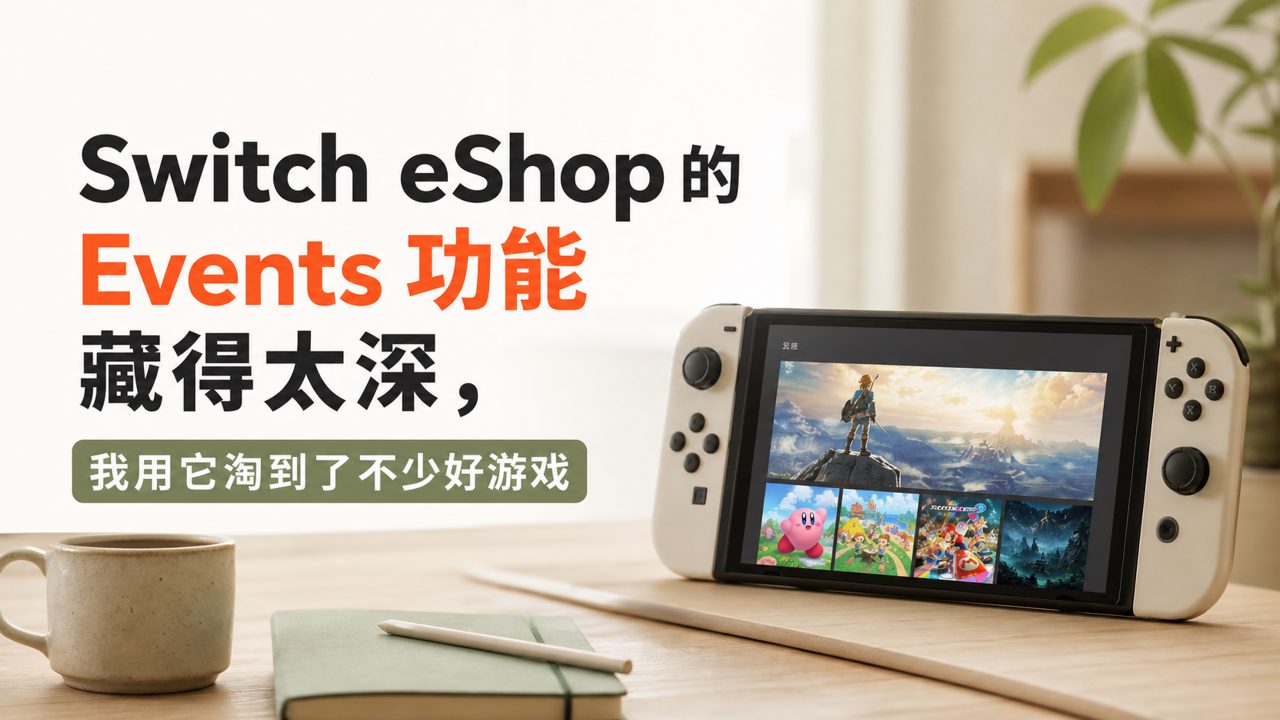
Every time I open the Switch eShop, I feel a bit intimidated. There's so much on that page; just scrolling through the discount game list takes forever, and sometimes after flipping through it all, I'm still not sure which ones are worth downloading. Later, I noticed the Events option has always been on the home page. I used to think it was just system activity notifications, but when I clicked in, I realized it's actually the eShop's 'curated event portal' — much more reliable than browsing the discount list directly.
Events, simply put, are various game sales, demo festivals, and themed promotions that Nintendo regularly runs. They are not just a plain discount list; instead, they bundle games of the same type or theme into an activity page. For example, 'Spring Fun Game Festival' or 'Two-Player Party Special' — clicking in lets you directly see recommended games and discount periods, much more convenient than searching one by one in the eShop.
Some unexpected finds from Events
Last week, with nothing else to do, I clicked on an event called 'Indie Game Discovery Week', which packed in over a dozen small indie titles I normally wouldn't notice. Among them was a platformer with a unique gameplay style; the demo was available for direct download, and after trying it for ten minutes, I decided to buy it. Without Events' thematic aggregation, I probably would never have come across it. Such events often include discounted indie game recommendations, which are more practical for someone like me who likes to find hidden gems than waiting for Black Friday sales.
Another thing worth mentioning is that Events often run 'limited-time demo' activities. In the past, if you didn't follow the official Twitter account for demo festivals, you'd basically miss them. But now, Events' demo activities are directly displayed on the home page, with reminders before the event ends. I caught last week's demo of 'Unravel Two' that way; my wife and I tried it for three days, and then we went ahead and bought the full version to keep as a two-player Switch game.
The limitations I have to be honest about
But Events isn't all good either. First, its update frequency is not as dense as I imagined; sometimes only one or two events are updated in a week, unlike the App Store which has new features every day. Second, some events just roughly pile up games of the same type, like 'Good Price Game Roundup' — clicking in just shows the same familiar permanent discount titles, with no novelty.
Also, each event in Events does not clearly display information about Controllers compatibility. Many event pages only show game names and discounts, but for specifics like whether it supports local two-player or requires additional controllers, you have to click into the product detail page. I once bought a game I thought supported local co-op, only to find it only allowed each player to use a single Joy-Con, which felt awkward. Since then, I've developed the habit: before participating in a themed event, I scroll down to the detail page of the included games to check controller support, to avoid buying something that doesn't fit.
Some usage tips for practical users
If you have a Dock and often play on TV, the 'Family Fun' type events in Events are definitely worth browsing. The selection in such events is clearly more biased toward multiplayer games in TV mode, which is much more efficient than randomly flipping through the eShop. For example, the previous 'Family Game Special' included several games that perform significantly better in TV mode than in handheld mode.
But if you usually play in handheld mode during commutes, many of the 'visual masterpiece' events in Events are not very helpful. The text and graphics details of those games are hard to see on the handheld, and the event page won't tell you that. Instead, events like 'Lightweight Game Sale' are more suitable, but they may not appear every month.
Also, one more thing: sometimes Events pushes Nintendo game recommendations features, and clicking in you can find some well-received first-party or third-party titles. If you have eShop balance and don't know how to spend it, just look at the game rankings sorted in these features — it's much less risky than buying blindly. I've suffered from blindly browsing myself, and later learned to check the rankings first, then the features, which significantly reduced my purchase mistakes.
As for game encyclopedia type features, they mainly satisfy collectors' organizing habits. For example, a full series of works displayed at once, with discounts included. They are useful for checking what you're missing, but not suitable for impulse purchases.
Overall, the most practical value of Events is to help you filter out a relatively reliable selection from the massive amount of information on the eShop. It's not a perfect selection tool, but if you don't want to spend too much time flipping pages and reading reviews, subscribing or periodically opening Events is more reliable than relying on luck while browsing the home page. Especially when there are demo events and themed sales, downloading a demo on the spot is much more reliable than just looking at screenshots and videos.
Comments
Leave a Comment