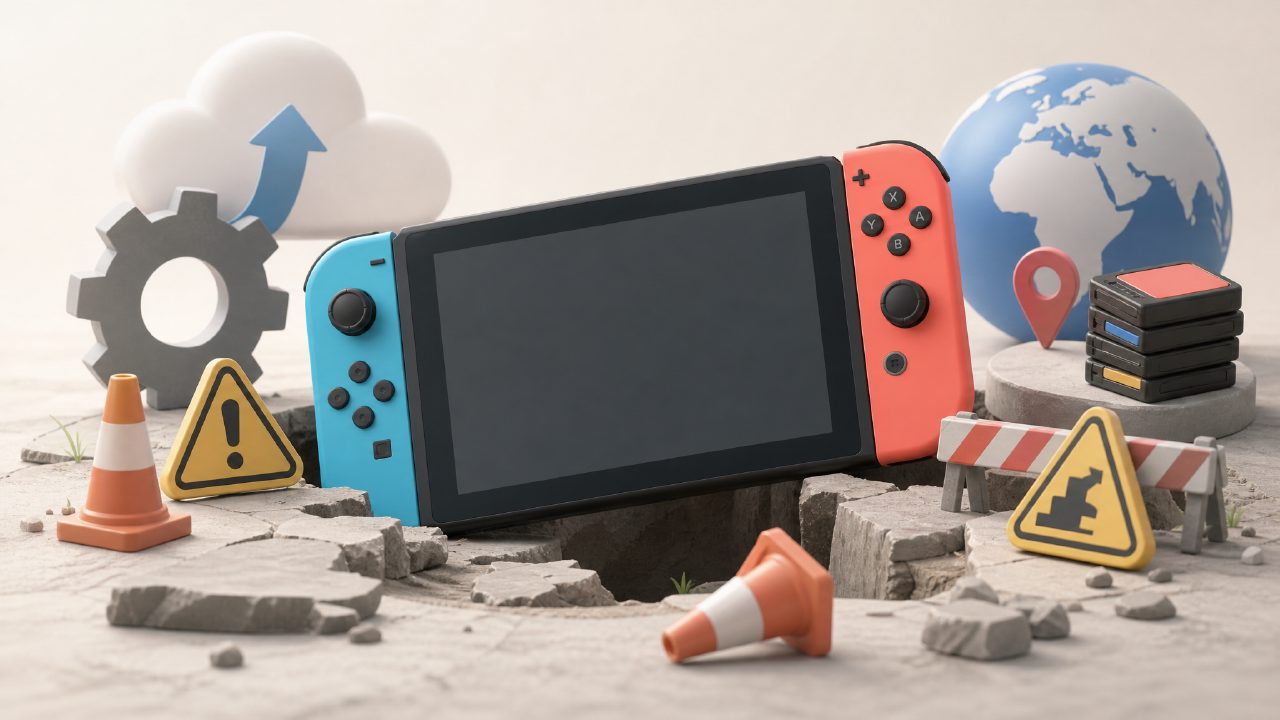
Before buying a Switch, few people will talk to you about 'updates.' But once you get it, you'll find that this thing almost reminds you every day: system updates, game updates, even controller updates. The problem is, these 'updates' are not that simple, and too many people fall into pitfalls.
Let's start with system updates. Many people click as soon as they see a notification, thinking the new version must be better. But you'll likely encounter this: after updating, previously smooth games start to stutter, or some third-party accessories suddenly become unrecognized. Nintendo's update strategy is actually quite conservative; many minor versions just fix bugs you'll never encounter or pave the way for future features. If the games you play are working fine, don't update unless necessary. Wait a few days, check community feedback first — in Xingba's player groups, people report such traps every day. Go look it up, much more reliable than blindly upgrading.
Don't rush to click 'Update All' for game updates
Many newbies, after buying digital versions or sharing cartridges, habitually download update packages for all games at once. As a result, the storage card fills up instantly, and they have to delete old games for a while to free up space. Many titles in Switch game recommendations are often over a dozen GB, and a patch can be 5 or 6 GB. You only really play one or two games; you can update the rest when you start them later.
Another less-known trap: some games change feel or balance after updates. For example, in certain fighting or action games, you might have practiced the combo rhythm of the old version, and an update forces you to start over. In fighting game circles, there are even operations to downgrade versions for tournaments. Though high-threshold, it shows that 'newest is not necessarily best' holds true here.
Regional versions and saves: different regions are two different games
Some people buy cheaper digital versions from non-Hong Kong regions, or share different region titles from Nintendo game recommendations, only to find that DLC can't be purchased or Chinese patches are not included. This cannot be solved by updates — game ID numbers differ by region, and update packages cannot be mixed. Worse, some game saves do not cross regions. After spending dozens of hours grinding progress, if you switch to a different region cartridge or download another region's version, the save is gone. So before finding a share group on Xingba or buying a family membership, be sure to confirm the game region, otherwise subsequent updates and DLC will be troublesome.
Two-player Switch games are particularly noticeable in this regard. Many family-friendly games have separate servers for different regions; region A updated the online team-up feature, region B hasn't, and you and your friends can't play together. Taking a look at the version notes in the game encyclopedia beforehand is more effective than blindly updating.
Indie game updates: don't take them as official announcements
Many titles on indie game recommendation lists have very small development teams, and the update log might just say 'Fixed several bugs.' Then you update and find that a certain item's effect is gone, or a shortcut to skip levels is removed. This is very common in small studios — they have limited testing resources, fixing one bug might introduce three new ones. If you're tackling a tough part or have found a time-saving strategy, don't update first; wait for the relevant entries in the game rankings to stabilize for half a month.
Auto-update: the other side of convenience is pitfalls
After enabling auto-update, game files and patches will prioritize bandwidth and storage space. But when you need to use a hotspot to download games on the Switch, this function will secretly fill up the background queue, causing the progress bar to stall. The solution is simple: turn off the auto-download option and manually pick what to update. If you're truly not in a hurry, leaving it for a week or two is fine.
Also, while Nintendo's catastrophic update incidents are rare, they have happened — some older Switch models saw battery life suddenly plummet after a specific version update, requiring a system reset to recover. The media won't make a big deal of it, but you'll regret not backing up your saves earlier. Feedback like this is actually quite timely in game encyclopedias and player communities; developing the habit of checking first before acting is much safer than blindly pursuing the 'latest version.'
In the end, the update feature is meant for stability and new content, but you shouldn't be a free tester for the manufacturer. Most patches won't transform a game, but they might degrade your current experience. There's only one criterion: does this update clearly fix the problem you're currently facing? If you can't answer that, don't click.
Comments
Leave a Comment