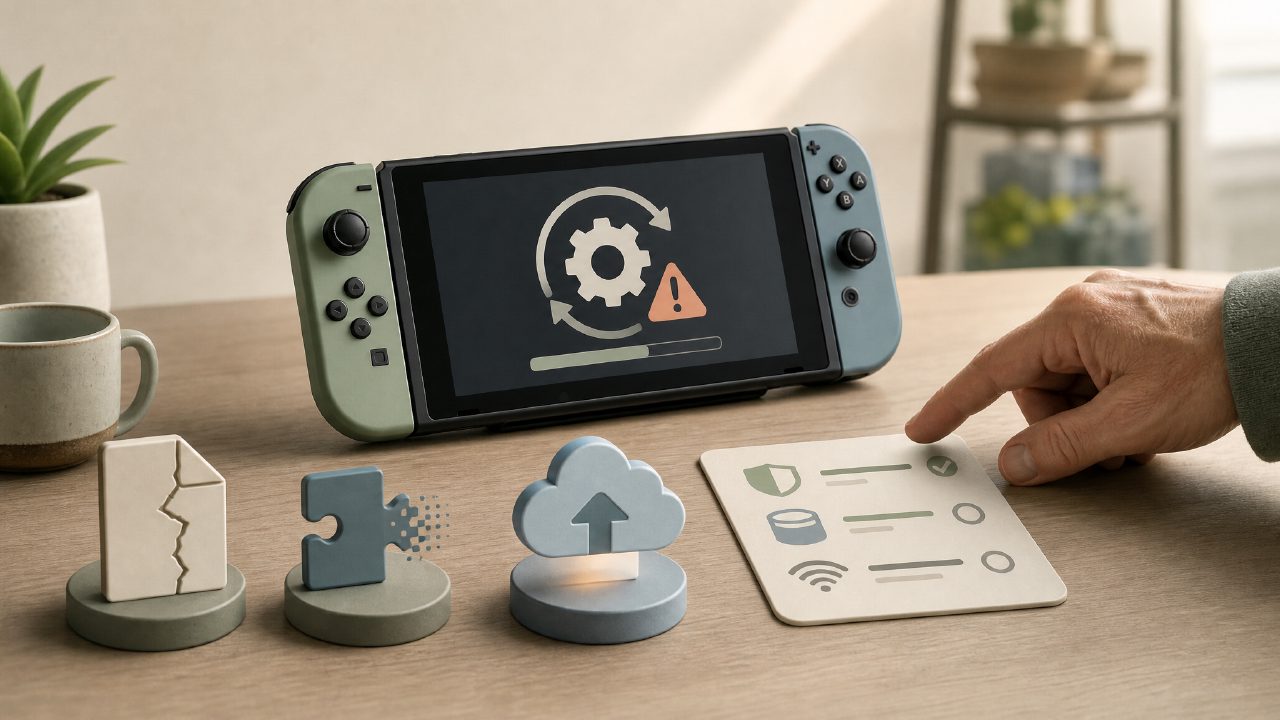
You've probably encountered this before: you see a new game update prompt and casually tap "Download." Then what? Save files become unreadable, Chinese turns into English, or the once-smooth frame rate suddenly stutters like a slideshow. Switch players have mixed feelings about "updates" — they're supposed to fix bugs, but often end up creating new ones.
Today, I'll talk specifically about Switch game updates. Forget the official jargon — I'll only cover the pitfalls you're most likely to step into and how to avoid them in advance. After all, on the road of Updates, too many people have paid the tuition fee.
Pitfall #1: Save Data Incompatibility After Update
This blew up when "The Legend of Zelda: Tears of the Kingdom" released its first major version, but it's far from the only case. Many Switch game recommendations won't tell you that some games tie their save data mechanism to the version number.
Specific symptoms: You update to the latest version, but your friend is still on 1.0.0. Can you play together? No. Or you start a save before updating, and after the update, the system tells you "This save was created by a higher version" — wait, my game version is higher, so why can't I read the old save?
Common scenarios:
- You buy a physical cartridge (factory version 1.0.0), insert it into the console, connect to the internet to update, and then find that saves from your digital copy are unreadable
- You want to exploit a bug on an older version, but accidentally tap update, and the save becomes a format that can't be downgraded
How to avoid:
Before starting the game, check the "Software Update" status in settings. If you care about the usability of a particular save, it's best to back it up to the cloud or locally first, confirm that it can be read and written normally after the update, and then continue playing. This is especially true for frequently patched Nintendo game recommendations, like "Splatoon 3" and "Pokémon Scarlet/Violet" — backing up before updating is not excessive.
Pitfall #2: Region Update Desynchronization, DLC Becomes "Junk"
This especially screws over players who bought cross-region digital versions. You bought the game from the Japanese eShop and the DLC from the US eShop. If their versions are out of sync, you'll get cryptic messages like "Update detected but cannot be retrieved" or "DLC content installed but not recognized."
I've experienced it myself: I bought a DLC for a two-player Switch game using my US account, but the Japanese version of the game updated to 1.3 while the US version was still at 1.2, locking the new character. After checking around, I found the only solution was to switch to the corresponding region account to download the update, or simply buy another copy of the base game from the same region.
How to avoid:
- Try to buy the base game and DLC from the same region, or confirm before purchasing that their update frequencies are roughly consistent
- If you've already bought from different regions, when updating, use the account of the game's region to launch the eShop, allowing the system to automatically match that region's update package
This issue is especially common in indie game recommendations. Because indie developers often have limited manpower, the review and release times for different regions can differ by two to three weeks. You see others posting about a new version, but you can't pull it up on your end — this is likely the reason.
Pitfall #3: "Performance Optimization" After Update Can Sometimes Be Reverse Optimization
Nintendo's update notes are usually polite: "Fixed several issues and improved stability." But what's the actual experience? Go check the comments section of the game rankings after an update — real cases are plentiful.
Typical examples:
- After a certain update for "Pokémon Scarlet/Violet," the frame rate in gym battles became even more unstable than before
- The original version of "The Legend of Zelda: Breath of the Wild" had some beneficial bugs (like weapon duplication). After an update, they were patched out, but new terrain clipping issues appeared
- Some third-party games (like "NieR: Automata" Switch version) had mediocre launch optimization. Players waited months for a big update, only to find that after installing it, the handheld mode resolution dropped
So here's a sincere suggestion: Don't blindly tap "Update" as soon as you see a prompt. First check the game encyclopedia or Reddit, Baidu Tieba for other players' feedback. If a large number say "Don't update," then wait. Especially for games you're currently enjoying — if you can tolerate the bugs, hold off; the new version might bring something even more unbearable.
How to Decide Whether to Update or Not?
You can measure it by these criteria:
1. Does your current version have a game-breaking bug? If yes, update; if no, wait a week for feedback.
2. Will the update affect saves? Some updates reset levels, skill trees, or online data (e.g., save handling during season changes in "Diablo III" Switch version). Backup in advance is the safest bet.
3. Do you need to play online? Online play usually requires the same version. If you want to play with a friend, confirm they have also updated; otherwise, you'll have to play separately.
4. Do you care more about frame rate or bugs? Some players would rather have original version bugs than accept frame drops. In that case, lock your version and don't update — you can even turn off automatic updates.
To be honest: The Switch's update mechanism itself isn't exactly "smart"; it's more like a system that says "We all updated, you figure it out." You can turn off "Automatic Software Updates" in the console settings, and then manually decide when to update each game. That way, at least you won't have your game progress interrupted by an update in the dead of night.
Update management for Switch players is more a matter of "risk management" than "feature upgrade." A good update can improve the experience; a bad one can ruin a weekend. Taking a moment to check the update log and user feedback on the game encyclopedia is far more reliable than blindly tapping "Update."
Comments
Leave a Comment