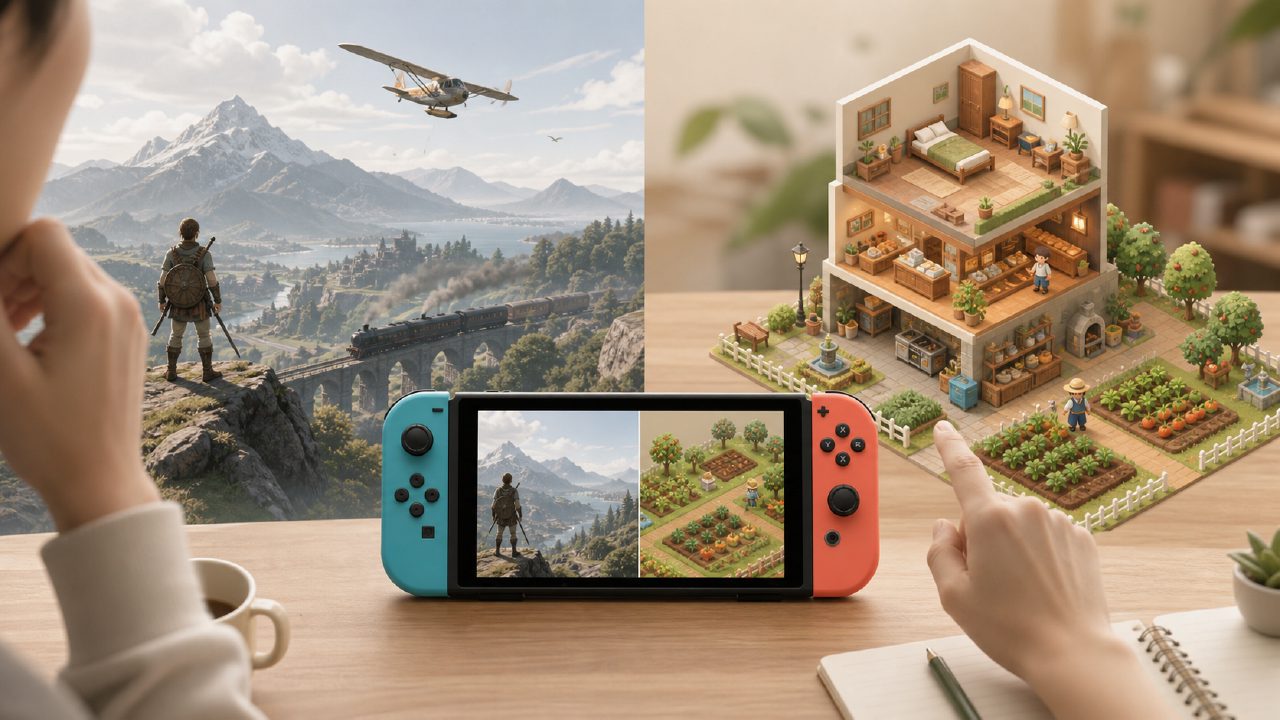
You open the eShop, wanting to find a game to unwind with. But as you scroll through rows of "simulation/management" tags, you end up not knowing which one to pick.
It's not that there are no choices—it's that there are too many, and they all look alike—farming, running a shop, raising pets. Of course, there are real gems here, but they're mixed in with plenty of reskinned mobile games and half-baked products. To pick out a simulation game that can keep you company for dozens of hours, you need some filtering skills.
From my own experience: first clarify the two directions of "large-scale general simulators" and "single-theme deep simulations," and the search will become much quicker.
Large-Scale Simulators vs. Vertical Simulators: Choosing the Right Direction Matters Most
Large-scale simulation games—like Stardew Valley and Animal Crossing: New Horizons—give you an open sandbox that includes farming, fishing, mining, decorating, and socializing all in one. The advantage is that you can play a single game for hundreds of hours without repetition. The downside is that each individual activity isn't very deep. If you just want to focus on running a farm without worrying about villager affection, these games might actually feel like "too many tasks."
Vertical simulation games are the opposite, such as Two Point Hospital and Frostpunk—even Goat Simulator counts. They do one thing well: managing a hospital means handling departments, staff, equipment, and queues; managing a city means dealing with resource allocation and extreme weather. These games are highly appealing to fans of specific gameplay, but if you're just looking to relax and "take it easy," they might raise your blood pressure from the start.
Among the many Switch game recommendations I've seen, these two types are often compared side by side, but they really aren't the same. Which one you choose depends on whether you want to be "healed" or "challenged" after work.
Joy-Con, Pro Controller, or Third-Party: Control Feel Determines Immersion
The control density of simulation games varies greatly. If you're into farming and spend most of your time moving with the analog stick and pressing A to swing a hoe, the Joy-Con is sufficient. But if you play games like Two Point Hospital, which require frequent precise positioning and quick tool-switching, the Joy-Con's short analog stick and stiffer buttons become a problem.
My solution: switch to a Pro Controller (official or third-party brand). Especially when you need to frequently adjust the camera and position the cursor, a larger analog stick and clearer button feedback can reduce hand fatigue by half. I used to play Farming Simulator with Joy-Cons, and after half an hour of digging my hands would ache; after switching to a Pro Controller, I could easily play for two hours.
Also, if you use a third-party controller, pay attention to whether the model supports wake-up and motion controls. Some cheap third-party brands have a high dead zone on the analog stick, which makes micro-adjusting planting direction feel "unresponsive."
As for the screen, text tends to be smaller in handheld mode. Many simulation games (especially indie games) have UIs designed for larger screens. The text in Stardew Valley is acceptable, but ports styled like RimWorld or Oxygen Not Included are very hard to read in handheld mode. In that case, I recommend using the Dock to connect to a monitor or TV. Fortunately, the Switch Dock supports most third-party charging docks, and even some portable docks can output stably. If you mainly play simulation games, consider getting a dock with an Ethernet port for faster eShop downloads.
Real-World Trade-offs Between Similar Games
Comparing Animal Crossing: New Horizons and Stardew Valley, you'll find two seemingly similar games that play at completely different paces: Animal Crossing is "real-time synchronization + collection and decoration," while Stardew Valley is "in-game time management + deep management." The former is suitable for logging in 20 minutes a day to slowly tend flowers; the latter, once you start, you'll unconsciously play for three hours straight.
Then look at It Takes Two, a co-op simulation puzzle type, which is fundamentally different from Overcooked often seen in lists of "two-player Switch games." The former focuses on narrative puzzles, while the latter focuses on cooperative efficiency. Whether you want to "run something together" or "clear levels together" determines which direction you choose.
Additionally, indie game recommendations often feature vertical small titles like Thief Simulator or Repair Simulator. Their concepts are interesting, but most come from small studios with inconsistent optimization. Some run at a stable 30 fps on Switch, while others drop below 20. I suggest checking the eShop comments or searching for recent ratings in "game rankings" before buying, so you don't waste money.
That said, here's a very practical tip: open the Nintendo eShop, go to the "simulation" category, and sort the list by "number of reviews." Games with many reviews have usually been tested by more players. Then, use those names to search for actual gameplay videos to see if the text and small icons are acceptable in handheld mode. Finally, if you're still unsure, go to a game database page to check more genuine player feedback—it will be more useful than any promotional image.
Conclusion
Simulation games on Switch are actually a genre that heavily depends on "control habits" and "screen scenarios." To enjoy them comfortably, you first need to figure out whether you want a slow farming life or strategic management, and then decide whether to add a Pro Controller or a third-party dock based on your usual grip (handheld or big screen). Joy-Cons and the official dock are sufficient for light use, but if you plan to dive deep into a single simulation game, comfortable peripherals will elevate your experience by a notch.
I hope this comparison helps you hesitate a little less and feel more certain of your joy the next time you browse the eShop.
Comments
Leave a Comment