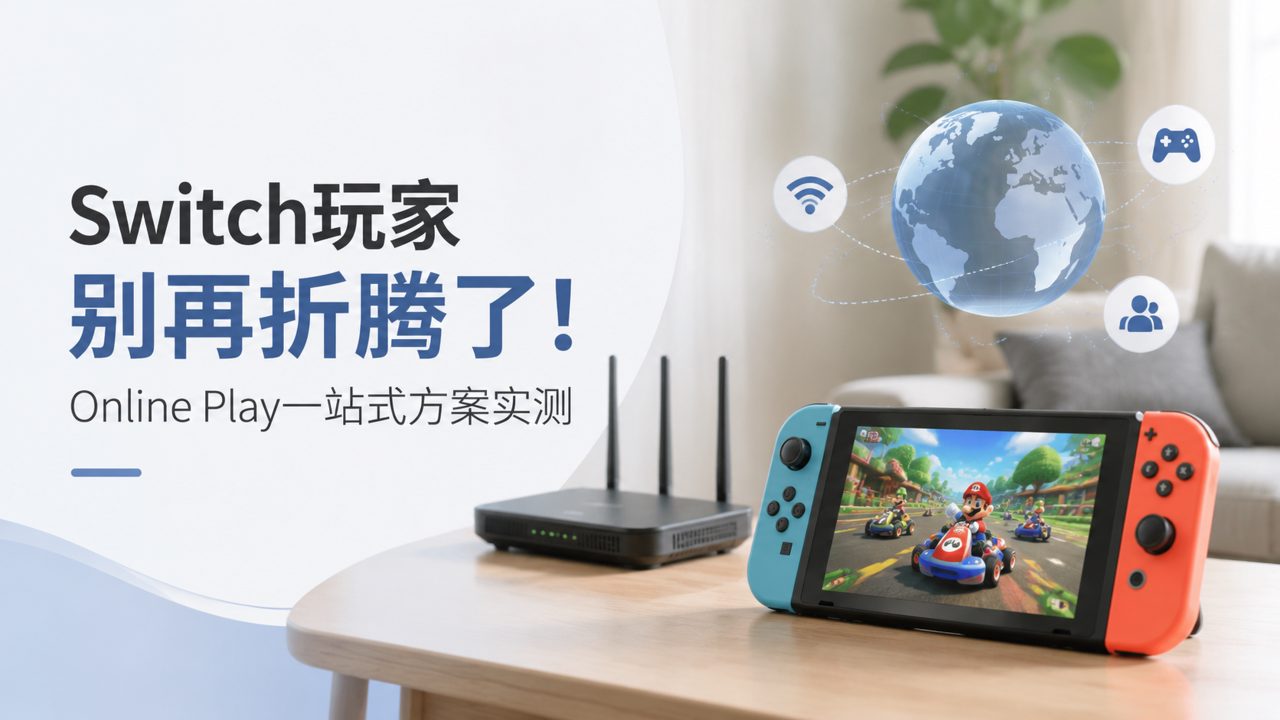
Anyone who plays Switch has probably experienced this: constantly deleting game screenshots because transferring them to your phone is such a hassle; needing to pull out your phone and open a dedicated app just for voice chat during online play; seeing a great game shared in a Discord group, then having to manually search for it one by one on the eShop — even though the Switch is right in your hands, the whole experience of "playing online together" with friends is constantly interrupted by these trivial tasks.
There are solutions out there, but most only handle one function. After trying several approaches, I realized the core issue isn't really about the number of features, but about how well they are integrated. Let's talk about a few common methods and why I think the one-stop approach of Online Play might be closer to what we actually need.
Method 1: DIY with third-party tools
Many veteran players are used to setting up their own workflows: using a capture card bought from Taobao with a phone OTG adapter for screenshots, using QQ or WeChat voice chat for gaming sessions, and relying on video accounts or public account feeds for game info. This combo is cheap, but stability and experience are hit or miss.
Capture card screenshots are clear, but you're out of luck when away from a computer or tablet, and transferring one screenshot at a time isn't much more efficient than just photographing the screen. The lag and static noise in group voice chats often turn "co-op play" into shouting matches.
The bigger issue is fragmented information. You see a Switch game recommendation in a group chat, click in, and find it's an overseas indie game with no Chinese name, so you have to dig through the eShop for ages. What you really need is a tool that can sync rankings, indicate supported languages, and show game screenshots all in one place.
Method 2: Official system solutions
Nintendo's own path is: screenshots via Switch Album → Send to Smartphone → QR code scan to download; voice chat via the Switch Online App. Let's start with screenshots — you can only transfer up to 10 at a time. For games where you constantly want to capture moments, after transferring 10, you have to reconnect to Wi-Fi and rescan the QR code every time. The operation itself isn't hard, but doing it repeatedly makes you want to throw the controller.
As for the App voice chat, you have to keep the app in the foreground; switching out to reply to a message cuts the voice. And beyond friend voice chat, there's very little integrated game information in the app. If you're looking for Nintendo game recommendations, you still have to search on your own — the app won't tell you which indie games are on sale on the eShop this week or which two-player Switch game has the best recent reviews.
Official solutions are certainly the most stable and risk-free in terms of piracy, but they don't put much thought into convenience. If you just need something that "works", they pass; but if you want something that's "easy to use", they fall far short.
Method 3: Online Play — an integrated community tool
What I've found truly hassle-free is the tool encountered in communities like Xingba. The idea here isn't to create another capture card software or standalone chat client, but to combine game information aggregation with player connections in one place.
For example, you hear about a popular indie game recommendation with good ratings. If you search on your own, you'd have to read reviews, search for the name, and then confirm on the eShop. But in this community, you open the game rankings to see what everyone is playing, click into it, and find a game encyclopedia showing screenshots, supported languages, and online play modes. No jumping between platforms.
Carpooling for game sharing and family membership sharing are also practical features here. Simply put, buying digital games often comes down not to "is it fun?" but "is it worth it?" After sharing with others, the cost of trial and error drops, and you become more willing to try two-player Switch games and lesser-known indie titles. The online experience actually becomes more relaxed than when you were buying and playing alone.
Of course, it's not perfect. If you're very particular about image quality, only play physical cartridges, or always worry about the security of third-party tools, you might still prefer official or DIY setups. Online Play is better suited for players who "want to play more games, are open to sharing costs with others, and can't stand tedious operations."
How to decide which method suits you
Here's a practical guideline:
- If you find yourself annoyed every time you go through the QR code scanning process to transfer screenshots, that's a sign of insufficient tool integration.
- If you spend a lot of time checking whether a game supports Chinese or online play before downloading a demo or making a purchase, you're missing a game encyclopedia-type preparatory tool.
- If you've bought many big titles but have a low completion rate, it might not be that the games are bad, but that the trial-and-error cost is too high — in that case, family membership sharing or carpooling plans actually make sense.
In short, no single solution fits everyone perfectly. But if you're tired of switching between three apps and don't want to rely entirely on official paths with limited functionality, then an integrated community solution like Online Play is definitely worth a try.
Comments
Leave a Comment