Common Questions About Switch Beginner Tutorials
If you've just got a Switch or are planning to jump in, you might be overwhelmed by all the settings, accessories, and game versions. This article doesn't beat around the bush; we'll directly clarify a few of the most frequently asked questions.
What's the first step after turning on the Switch?
Don't rush to buy games. First, update the system and controllers: go to "Settings → System → Update System". Many people skip this step, only to be prompted to update before entering the eShop after connecting to the internet. Also, you can adjust the tightness of the Joy-Con attachment: slightly tighten the small screw on the rail to reduce wobbling.
If you plan to buy multiple consoles or share digital games with friends, remember to register a Nintendo Account and link it to your Nintendo Account as soon as possible. This is directly related to finding Switch game recommendations or joining a family membership later.
How to tell if a game is right for you?
Watching trailers isn't enough. At least check out real player feedback in the game encyclopedia first, paying attention to two things: whether it has Chinese language support and whether it supports local multiplayer. Many indie games look great in trailers, but the text on the handheld screen is too small to read. At this point, you need a reliable indie game recommendations list, not just blindly buying based on popularity.
For example: If you want to play with a roommate, searching directly for two-player Switch games is much faster than browsing aimlessly in the store. The "Overcooked" series is suitable for patient partners; if you're a casual player, "Kirby and the Forgotten Land" is less likely to cause arguments.
How to choose between digital and physical versions?
There's no absolute better option; it depends on your patience for swapping cartridges. If you frequently travel or commute, digital is convenient—no need to carry a bag. But if you like to resell games, physical copies are easier to sell second-hand. Another easily overlooked point: some games have steep digital discounts, but only in the US or Japanese eShop. At that point, check the discount trends in the game rankings to decide whether to buy now or wait.
Small reminder: Nintendo first-party games are very price-stable; digital versions rarely drop below 50% off. If you're not in a hurry to play, a used physical cartridge might be the smarter choice.
What to do if your Joy-Con drifts?
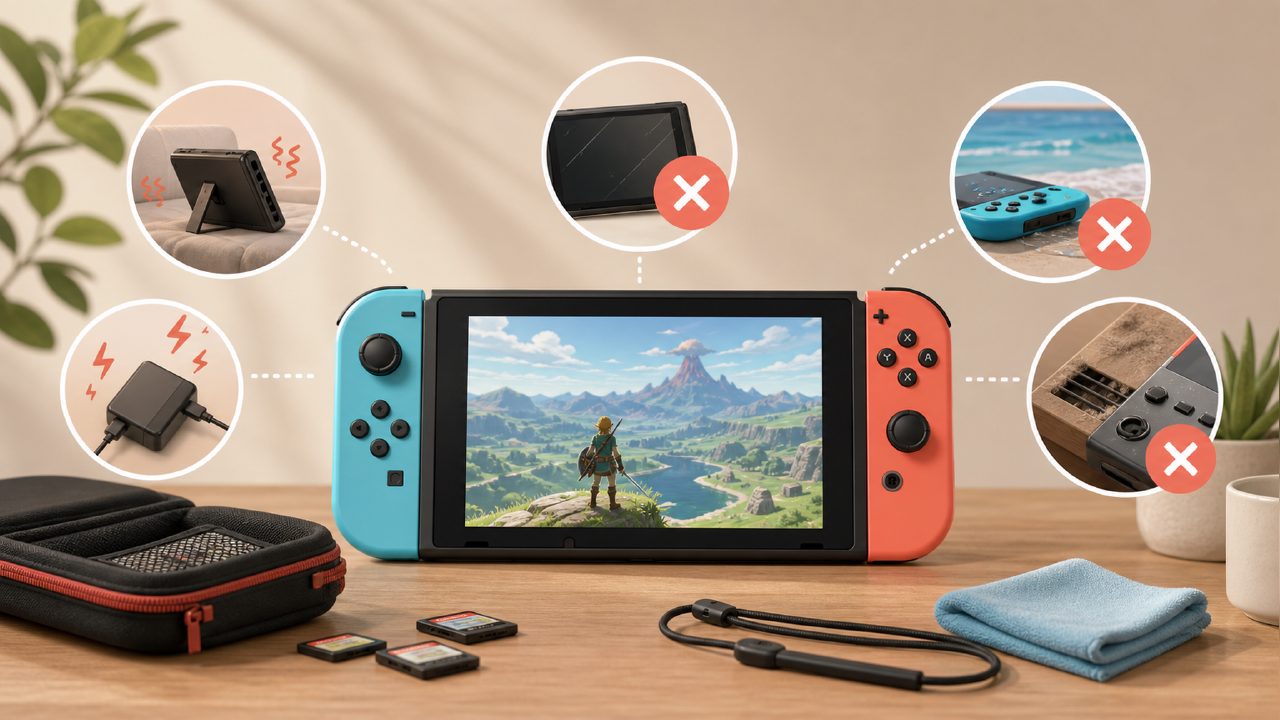
Drift isn't your fault; it's a common issue with this joystick structure. First, try the official cleaning method: use a toothpick to lift the rubber flap at the base of the joystick, spray some electronic contact cleaner, then rotate it in multiple directions. If that doesn't work, you'll need to replace the joystick or take it to a repair shop. If you're handy, you can buy replacement parts yourself, but you'll need a precision screwdriver.
Preventive measures: avoid playing in dusty places, and store the console after playing. Also, the Pro controller's joystick is much more durable; heavy gamers should consider it a must-buy.
Where to find hidden gem games?
The store's "recommended" algorithm is crude, essentially based on sales. Real treasures are often hidden in the eShop's "Indie Games" category, or you can browse player reviews in the Nintendo game recommendations section. Many Japanese third-party ports never get pushed to the front in the store but are of excellent quality.
You can also directly search for Switch game recommendations and look for entries tagged "not AAA but addictive" — they are often more reliable than blindly buying from the bestseller list.
In summary
Whether you've just unboxed your Switch or have been playing for a while and want to switch things up, first get these basic issues sorted, and your Switch experience will be much smoother. Don't rush to accumulate game titles; first find the one that truly eats up your time.
Comments
Leave a Comment