After buying a Switch, many people suddenly realize one problem: how to choose games?
The console is in hand, you turn it on and connect to the eShop, and the interface is either in English or Japanese. There are plenty of discounts, but you don't know which ones are worth buying. You want to find a few fun games, but after flipping through search results for a long time, you still can't tell if they suit you. Not to mention those "co-op Switch games" or niche but highly acclaimed "indie game recommendations" — relying on wandering around the store yourself is just too inefficient.
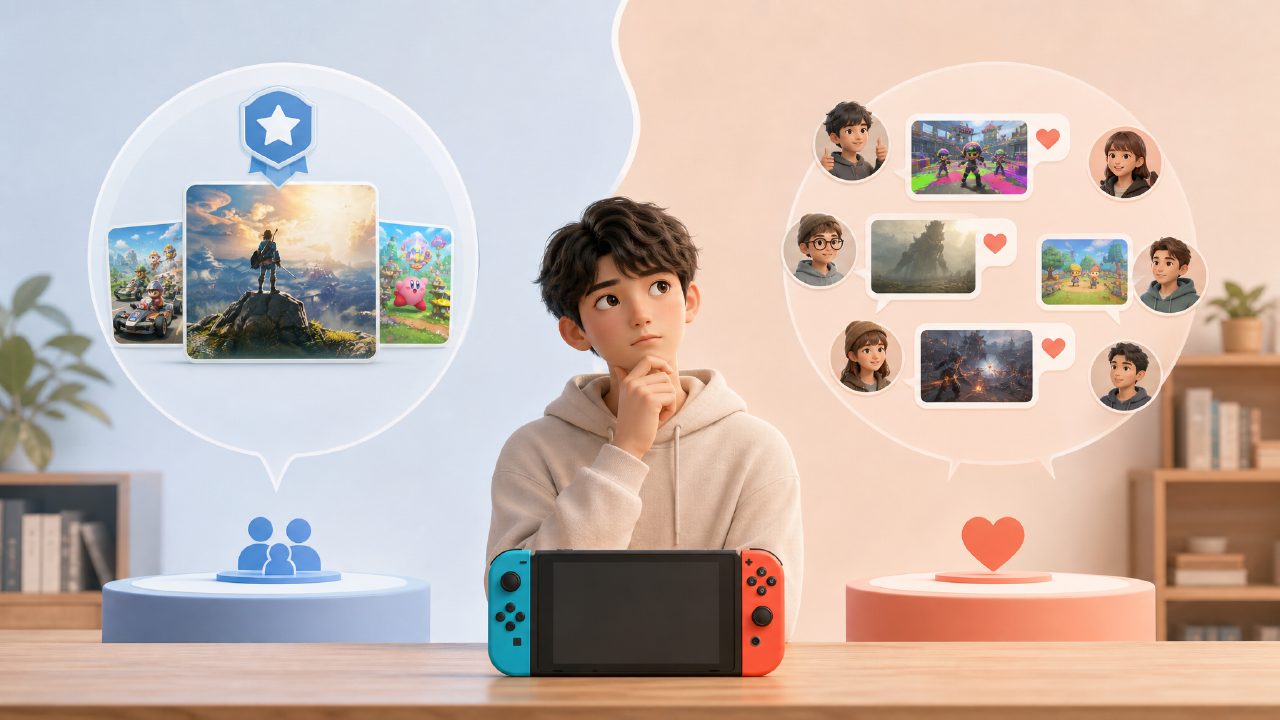
So people start using some methods to solve this: some check media scores, some watch video bloggers, and others directly join player communities, letting veteran players drop links for them. Each of these paths has its own merits, but when you compare them side by side, the differences are quite significant.
Official Recommendations vs. Community Lists: Which is Closer to Your Needs?
Nintendo's official eShop certainly has recommendation slots. The homepage banners, editor's picks, sorted by sales — all this information is there. But the problem is that the eShop's recommendation logic leans toward being "broad and comprehensive." If you just bought the console, it recommends surefire hits like Zelda and Mario — that's fine. But if you're looking for niche indie games that you can't stop playing once you start, or if you're tired of single-player modes and want to find a "co-op Switch game" to play with a roommate, the eShop's filtering features are quite mediocre. At best, you can sort by price, genre, or rating, but ratings are often distorted due to a small sample size.
In comparison, player communities like XingBar do something different: they take structured information like "game rankings" and "game guides" and organize it for you. The rankings are built from real player reviews, not from publishers buying slots. The guides let you directly see the game genre, number of players supported, whether it's suitable for online play, and even if you can play with your own account under "Family Membership Sharing." This level of precision is something the few recommendation slots on the eShop homepage can't provide.
Moreover, XingBar also offers carpool sharing. Those who have used it know that with digital games, two people can split the cost of one cartridge, and the remaining budget can be used to try a few more games. The eShop won't help you save that money.
Co-op Scenarios and Indie Games: The Community Can Save You a Lot of Detours
Two typical scenarios. First: You and your partner or friend want to find a "co-op Switch game" with simple requirements — easy to pick up, cooperative, and not too expensive. You search "two player" on the eShop, and the results mix everything from expensive deluxe editions to cheap games like Unravel Two, with no side-by-side comparisons or tag filters. If you browse video sites, the content you see is dynamically adjusted by bloggers; sometimes it's all mainstream hits, and if you really want niche co-op games, you have to dig hard with keywords.
XingBar does it differently. It has a dedicated "Co-op Switch Games" recommendation area, updated based on community user votes and post-play impressions, telling you which games are suitable for couples, which are for two guys gaming together, and which have great visuals but a short story. This information isn't a press release written by editors; it's a compilation of real player experiences.
The second scenario: Indie games. Many Switch users buy the console just to be able to lie down and play masterpieces like Hollow Knight or Hades. But indie game recommendations heavily rely on "word of mouth" — you can't possibly try out thousands of indie games on the eShop. The curated indie game recommendations in the community, especially lists of "niche but highly rated" games, are much more efficient than browsing the store yourself. XingBar's "Game Guide" categorizes indie games separately; clicking in lets you see player discussions, ratings, and "what this developer has released before." For an indie game fan, this amount of information is more than enough.
Carpooling, Membership Sharing: The Community is More Flexible Than the Official
Nintendo's official Family Membership system works like this: one person recruits up to seven others, and everyone shares the membership benefits. But think about it — finding seven people in real life isn't easy. Colleagues, friends, relatives — maybe only two or three want to buy it, and if you can't gather enough, no one starts. Communities like XingBar solve this problem: they match players together, and you only pay a small share of the "carpool" cost to use the Family Membership. This isn't some gray-area operation; it's just people pooling together to split the official fee, with the community helping to form the group.
Compare this: if you form a team yourself, you might face friends quitting, inconsistent renewal times, or someone forgetting to pay. Under the community's unified management model, each cycle is settled clearly, renewal reminders are transparent, and there's much less awkwardness.
So Which Option Should You Choose?
If you meet these criteria: you only buy physical cartridges, only play Nintendo's own major titles, don't care about discount information, and rarely play indie games or co-op games — then using only the eShop is completely sufficient.
But if you're a player who uses the Switch as a primary console, buys digital games, wants to try various "indie game recommendations," often looks for "co-op Switch games" to pass the time, or has a budget-conscious spending habit — then having a community tool like XingBar on your phone will be much faster than browsing the eShop yourself, and more systematic than watching scattered videos.
A simple rule of thumb: the official channel is responsible for "affordability," and the community is responsible for "accuracy." By combining these two, your Switch experience will be much fuller.
Comments
Leave a Comment