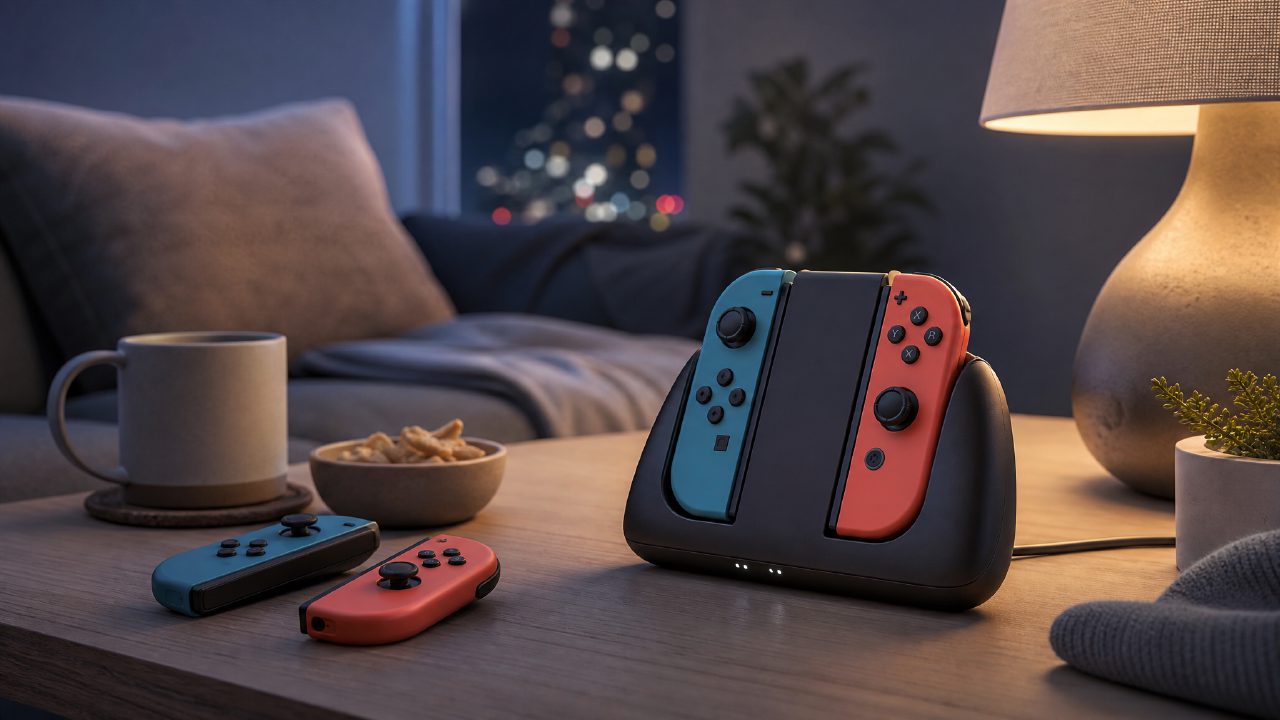
What’s the point of plugging Joy-Cons into a charging grip? Many people’s first thought is “extended battery life.” But the real reason I paid for it might be different from what you imagine.
A Real Weekend Night
Last Friday, my girlfriend said she wanted to play It Takes Two. I dug out a second pair of Joy-Cons that had been gathering dust for six months. Pressed the home button — red light blinking, both pairs completely dead. Plug them back into the console dock to charge? Too slow. Play with bare Joy-Cons? Terrible ergonomics. That’s when I pulled the Charging Grip out of the drawer, attached one pair to each grip, connected the charging cable, and lounged on the sofa — playing while charging.
It’s not some high-tech maneuver, but it solves the most annoying problem when you’re camped out on the couch: Dead controllers ≠ game over.
How to Use It? Three Steps
Here’s the scene: you and a friend are in the living room, facing the TV, with the Charging Grip nearby.
Step 1: Attach the Joy-Cons to the grip
Same as a regular grip — align the “+” and “-” with the rails, slide them in until you hear a click. Pay attention to left and right. If you put them on wrong, they won’t slide in, so don’t force it.
Step 2: Plug in the cable
The Charging Grip has a USB-C port on the back. You can use the charger that came with the Switch dock, or a phone charger. I tried my iPad’s 20W charger — it charges faster than the dock. Whatever you do, don’t plug it into a computer USB port; 5V 500mA will charge so slowly you’ll question your life choices.
Step 3: Turn it on and start playing
Press the home button to wake the console while charging. The screen will show the controller battery slowly ticking up. You don’t have to wait for a full charge — playing while charging doesn’t affect anything.
The whole process takes less than 30 seconds. No pairing, no app, no firmware update.
What Real Problem Does the Charging Grip Solve?
Let’s be honest: a regular Joy-Con grip is just a piece of plastic. The battery still drains. A charging grip, on the other hand, lets you play through those recommended Switch games that require two players — like Mario Party or Mario Kart 8 Deluxe — without having to end the session early because “the controllers are dead.”
My personal habit: every time I finish a two-player Switch game, like Moving Out or Overcooked, I leave the Joy-Cons on the Charging Grip. Next time a friend comes over, I just grab them and play, no hunting for a charging cable. That “grab and go” convenience is more practical than any battery life number.
There’s another easily overlooked point: the grip feels way better than bare Joy-Cons. Especially for action games in indie game recommendations, like Hollow Knight or Dead Cells, you won’t feel like your fingers have nowhere to rest after long sessions.
Who Should Buy It? Who Shouldn’t?
Who should get one:
- You often play local multiplayer with friends or family. Charging two pairs of Joy-Cons at once is a lifesaver.
- You already own those recommended Nintendo games that are best for two players and fire them up at least once a week.
- You can’t stand the feel of bare Joy-Cons and need a grip, but don’t want to swap batteries constantly.
Who can skip it:
- You use a Pro Controller 90% of the time and rarely use Joy-Cons separately.
- You always put the Joy-Cons back on the console after playing. The dock itself charges them.
- You only play single-player games, using just one pair of Joy-Cons, and always dock them afterward.
One more limitation: some third-party charging grips have mediocre charging efficiency. If you buy a non-official one, make sure it supports fast charging protocols (PD or QC). The official Charging Grip doesn’t have this issue, but it costs twice as much.
A Small Observation
Looking at game rankings, you’ll notice a high proportion of local co-op games among popular Switch titles. The Charging Grip isn’t really about “a few more hours of battery” — it’s about preventing “dead batteries” from interrupting your play session. It turns Joy-Cons into something you can truly pick up and use anytime, without having to check “how much charge is left.”
While browsing the game encyclopedia lately for new titles, I’ve also noticed plenty of obscure but fun co-op games. If you’re planning to turn weekends into gaming nights, one Charging Grip plus two pairs of Joy-Cons is more cost-effective and flexible than buying another Pro Controller.
Comments
Leave a Comment